03 / WI-FI SETTINGS
39
http://setup.verizon.com/businessinternetgateway |
©2024 Verizon. All Rights Reserved
4. Press Apply Changes to save the changes.
Important: It is not recommended to create a guest network without a
password.
3.1 c/ IOT NETWORK
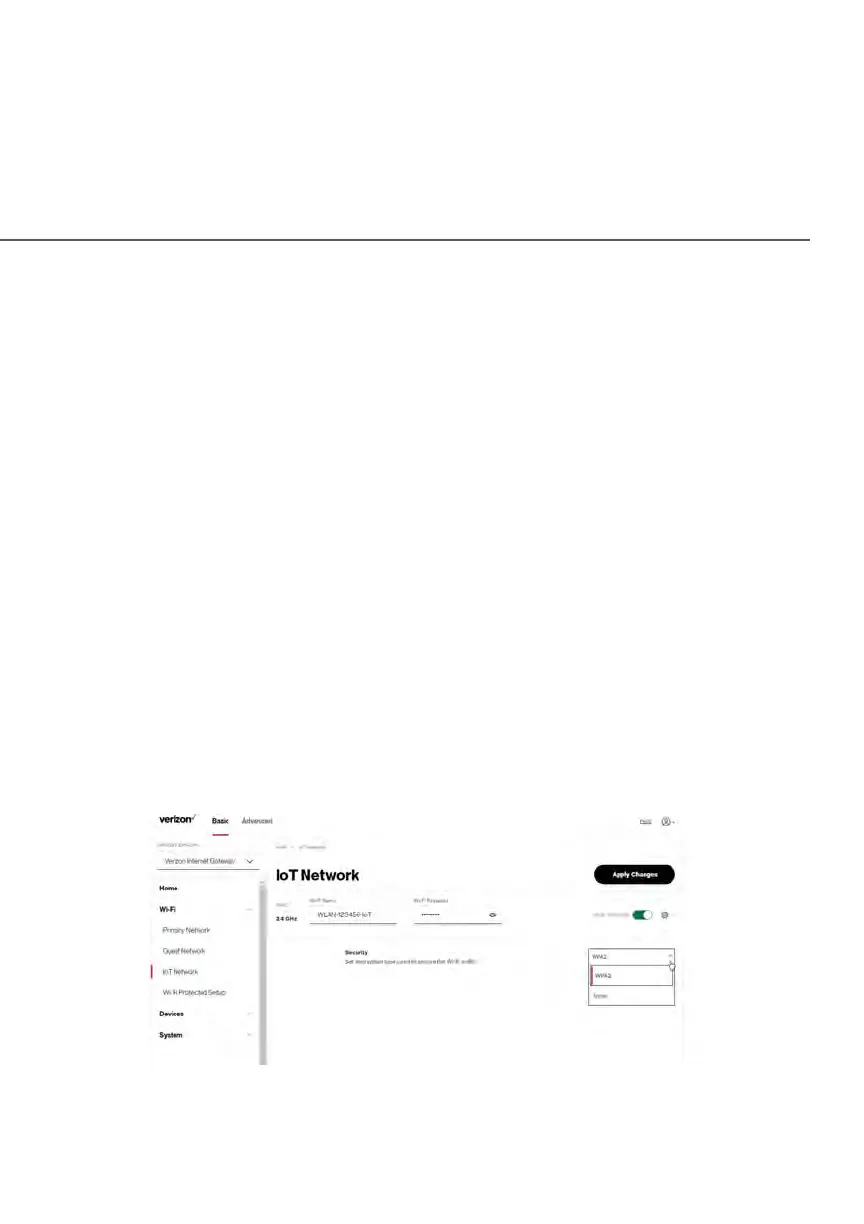
The Gateway supports connection of multiple IoT devices on a separate Wi-Fi
SSID. The IoT Network is designed to provide an easier setup experience for
your Internet of Things (IoT) devices which benefit from connecting to the
2.4 GHz band while keeping your Primary Network settings unchanged. IoT
devices and Primary devices can communicate with no firewall restrictions
separating them.
The Gateway is shipped from the factory with IoT Wi-Fi turned off. The default
SSID for IoT Wi-Fi is preconfigured at the factory to the default Wi-Fi network
name (SSID) which is displayed on a sticker located on the bottom of the
Gateway followed by hyphen IoT (-IoT). For example, if the Gateway is shipped
with a default SSID of “Verizon-ABCDE” then the default SSID for IoT Wi-Fi is
“Verizon-ABCDE-IoT”.















 To Next Page