03 / WI-FI SETTINGS
41
http://setup.verizon.com/businessinternetgateway |
©2024 Verizon. All Rights Reserved
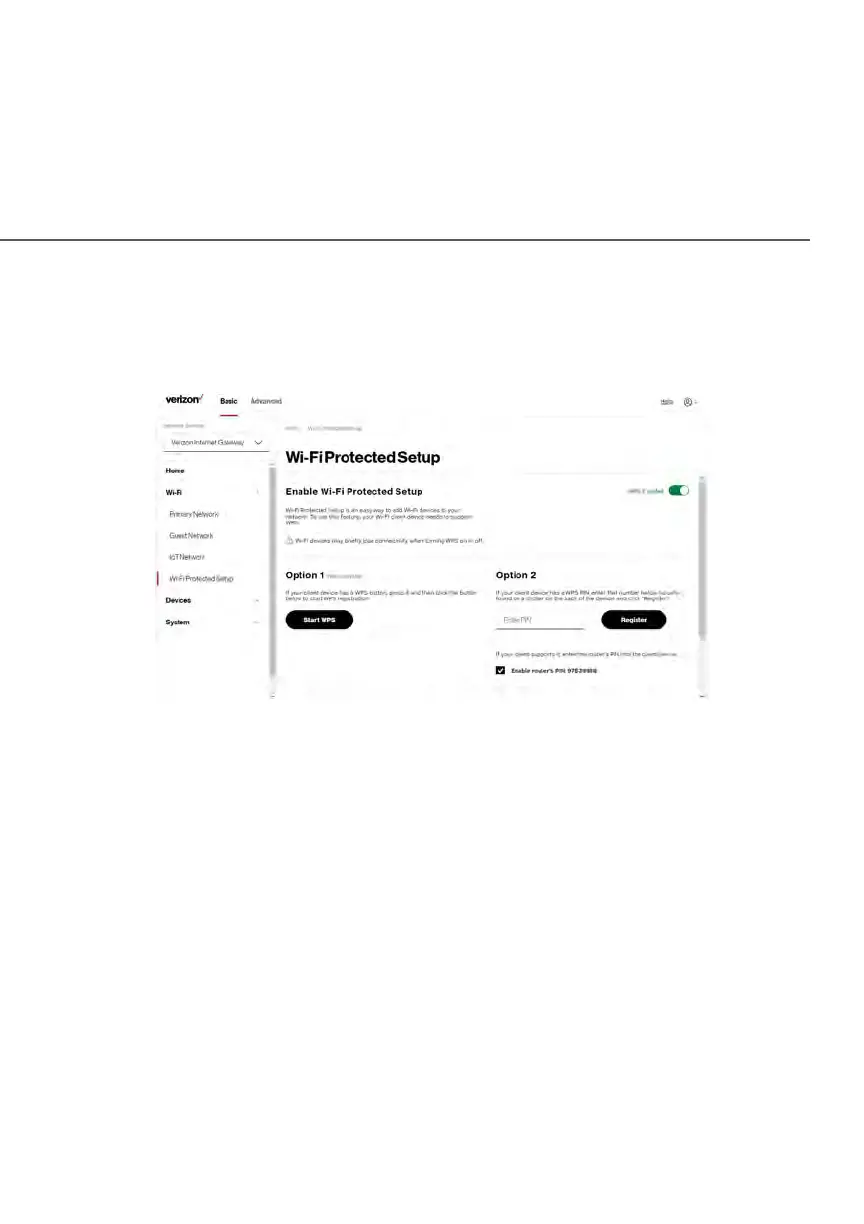
To access WPS using the user interface:
1. From the Basic menu, select Wi-Fi and then click Wi-Fi Protected Setup
(WPS).
2. Enable the protected setup by moving the selector to on.
3. Use one of the following methods:
• If your Wi-Fi client device has a WPS button, press the WPS button
on your Gateway for more than two seconds, then click the Start
WPS button in Option 1 to start the WPS registration process.
• If your client device has a WPS PIN, locate the PIN printed on the
client’s label or in the client documentation. Enter the PIN number in
Option 2 on the user interface.
• Click Register.
• Alternatively, you can enter the Gateway’s PIN shown on this screen
into the WPS user interface of your device, if this PIN mode is
supported by your Wi-Fi device.















 To Next Page