04 / CONNECTED
DEVICES
55
http://setup.verizon.com/businessinternetgateway |
©2024 Verizon. All Rights Reserved
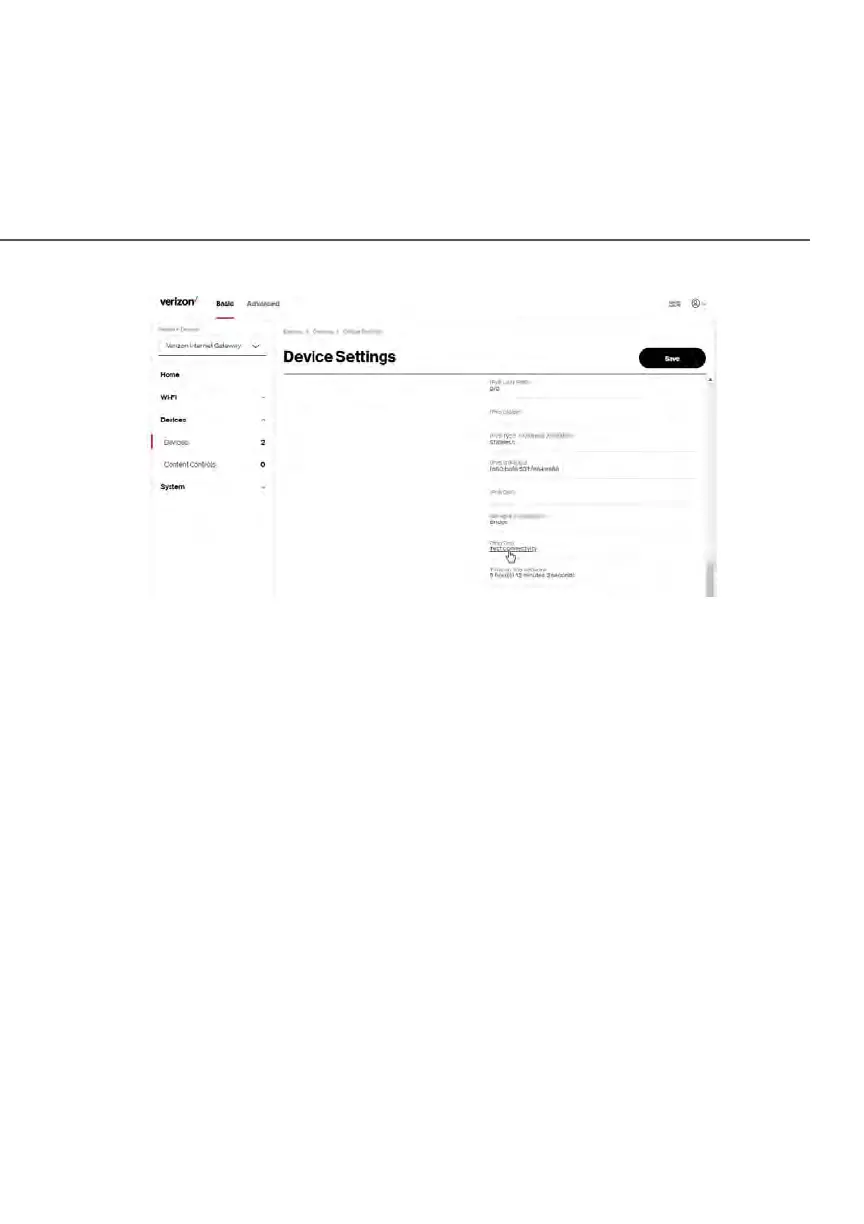
– Device Information:
Device Type, Name/Host Name, Location, and Mobility - Displays the
current known information of the device. These can be updated or
corrected as needed. Click Edit and Save to apply any changes.
– Device Add-Ons
Port Forwarding - Port Forwarding allows your network to be
exposed to the internet in specific limited and controlled ways.
For example, you could allow specific applications, such as video
conferencing, voice, and chat, to access servers in the local network.
To access the Port Forwarding page, click the setup button.
For additional information, refer to the Port Forwarding section in
Chapter 5 Configuring Advanced Settings.
Access Control - Access Control restricts access from the local
network to the internet. To access the Access Control page, click
the setup button.
For additional information, refer to the Access Control section in
Chapter 5 Configuring Advanced Settings.















 To Next Page