Module MK40 Setup Manual
ВШПА.421412.304 И1
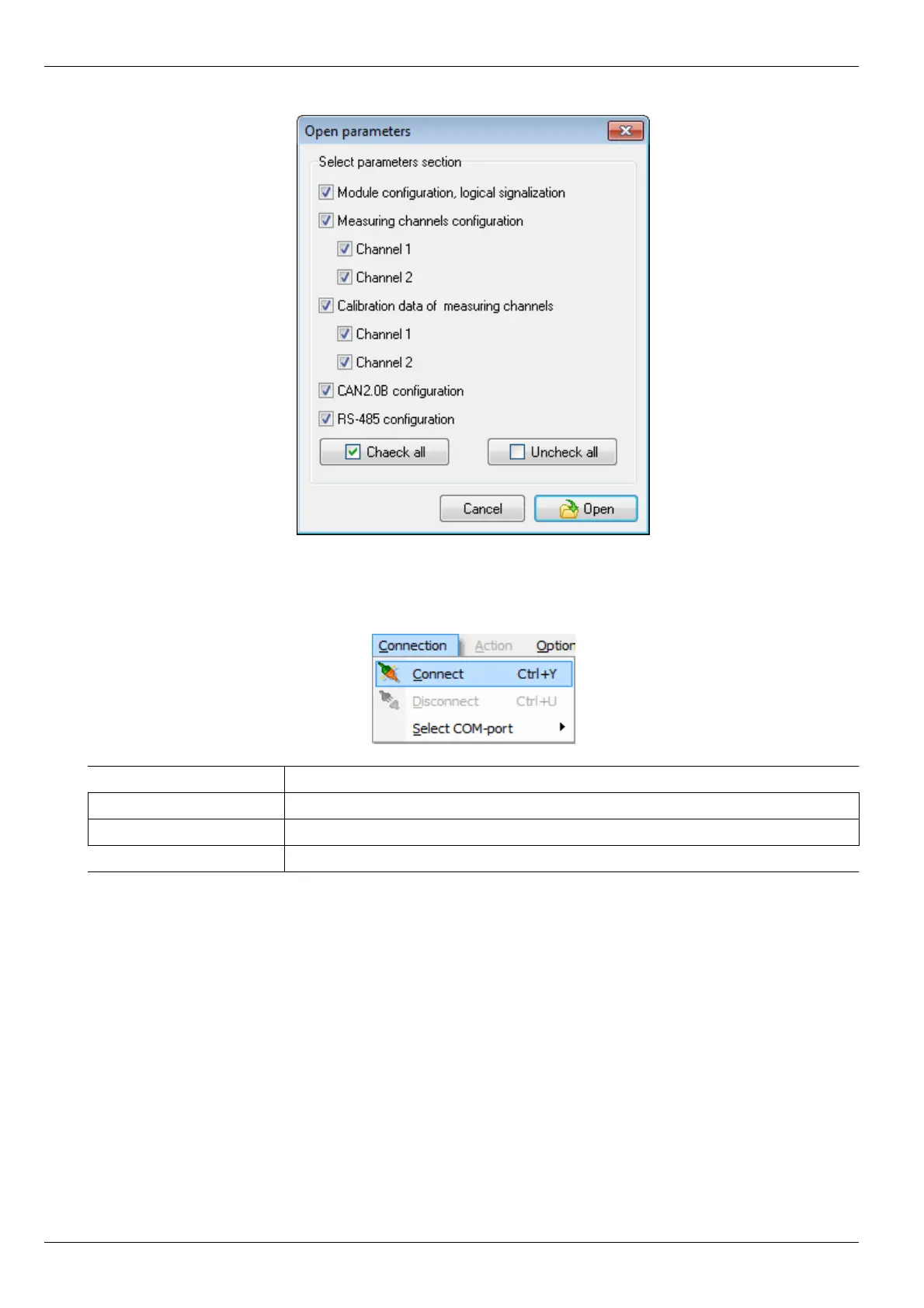
At opening of settings file, program asks to select parameters to be read from file.
Connection Menu
Connection Menu contains commands for working with COM-port.
Command Description
Connect [Ctrl+V] Create connection to MK40. Actions Menu is activated
Disconnect [Ctrl+U] Break connection to MK40. Actions Menu is deactivated
Select Com-port Assign COM-port for MK40 connection
42
No revisions



 To Next Page