Maintenance
73
Universal joint
The universal joint between the transmission and the cutterbar is
checked in the following way:
→ »Maintenance intervals« Page 55.
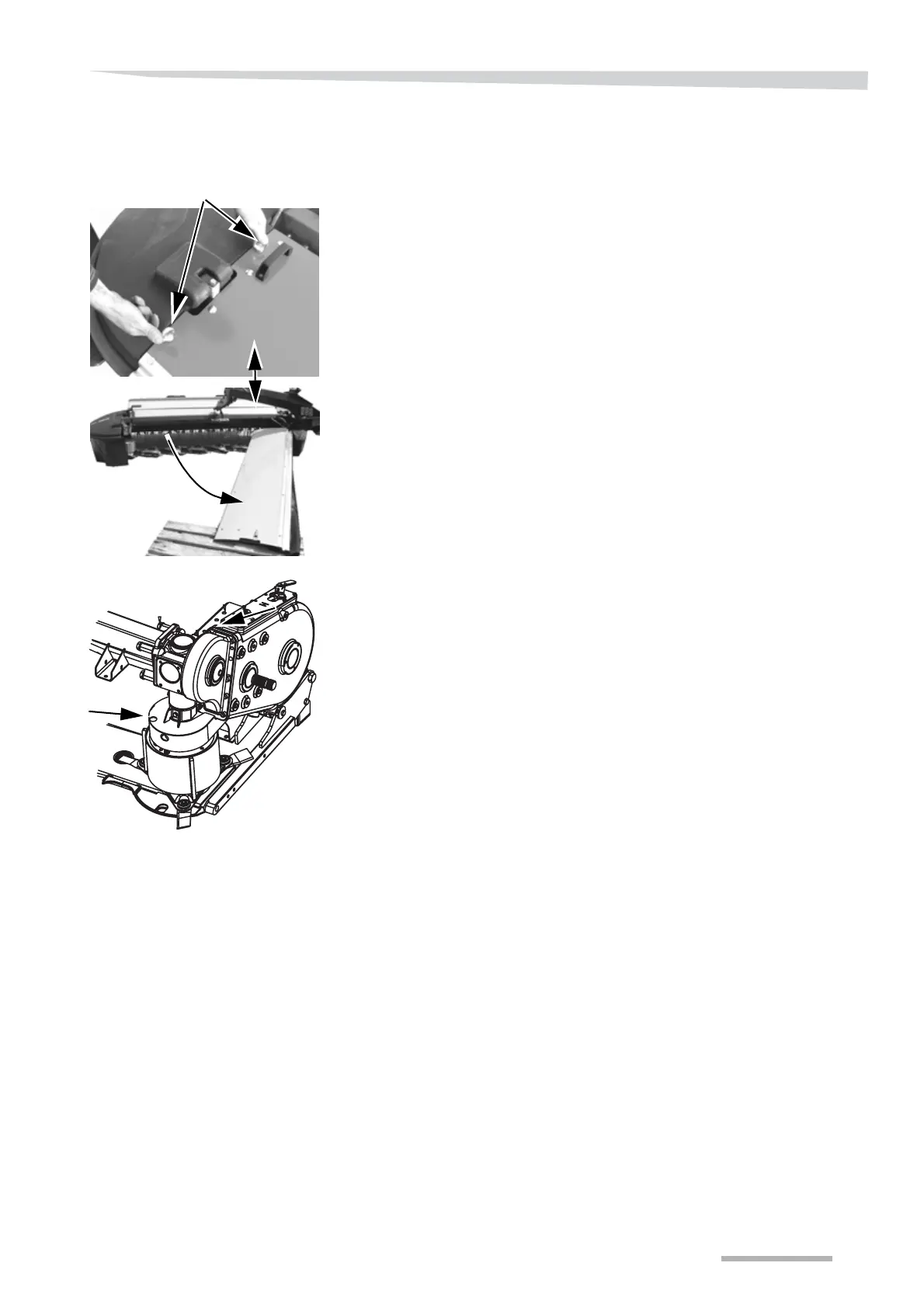
> Remove the ring nut shown.
> Open the machine's first protection.
> Undertake an inspection of the state of the cutting discs for defor-
mation and cracks.
> Use a suitable wrench and remove the protection around the PTO
shaft.
> Remove the cone cover.
> Inspect both universal joints for wear and tear.
> Check for broken or loose bolts.
> Replace the broken bolts.
> Apply Loctite 242 to the bolts.
> Mount and tighten up the bolts.
> »Torque moment« Page 97.
Ring nut



 To Next Page