5.4.2 Switch-Off
1. Stop the marking process. Press push button »STOP« (S4) if neces-
sary.
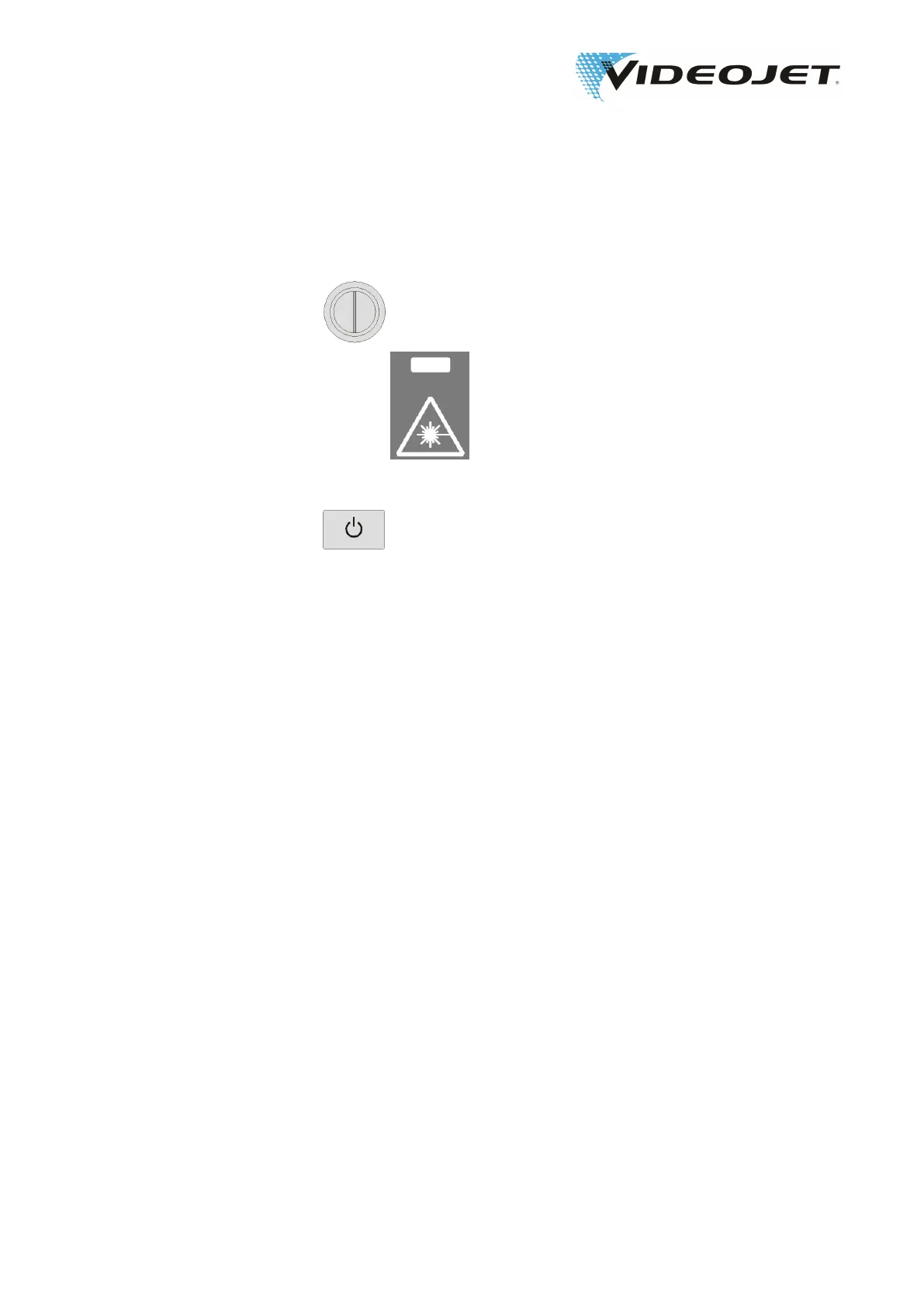
2. Switch off the key switch by turning it to the vertical posi-
tion »0«.
The red LED »Emission« (L2) on the supply
unit and the red LED on the marking unit are
off.
The white LED on the push button »POWER/
STANDBY« (S1) is on.
3. Press push button »POWER/STANDBY« (S1).
Then the blue LED on the push button »POW-
ER/STANDBY« is on.
4. To separate the system completely from the power supply, discon-
nect the mains connector from the power socket.
5. Switch off the fume extractor.
09/17 - Index: AD [EN]
41
Videojet 3140/3340/3640/5 Operating the Laser System



 To Next Page