5 Operating the Laser System
5.1 Operation of the Laser System
The laser system is built up modularly. Depending on the laser system installed in
your premises there are several ways to generate a marking template and start
the marking process.
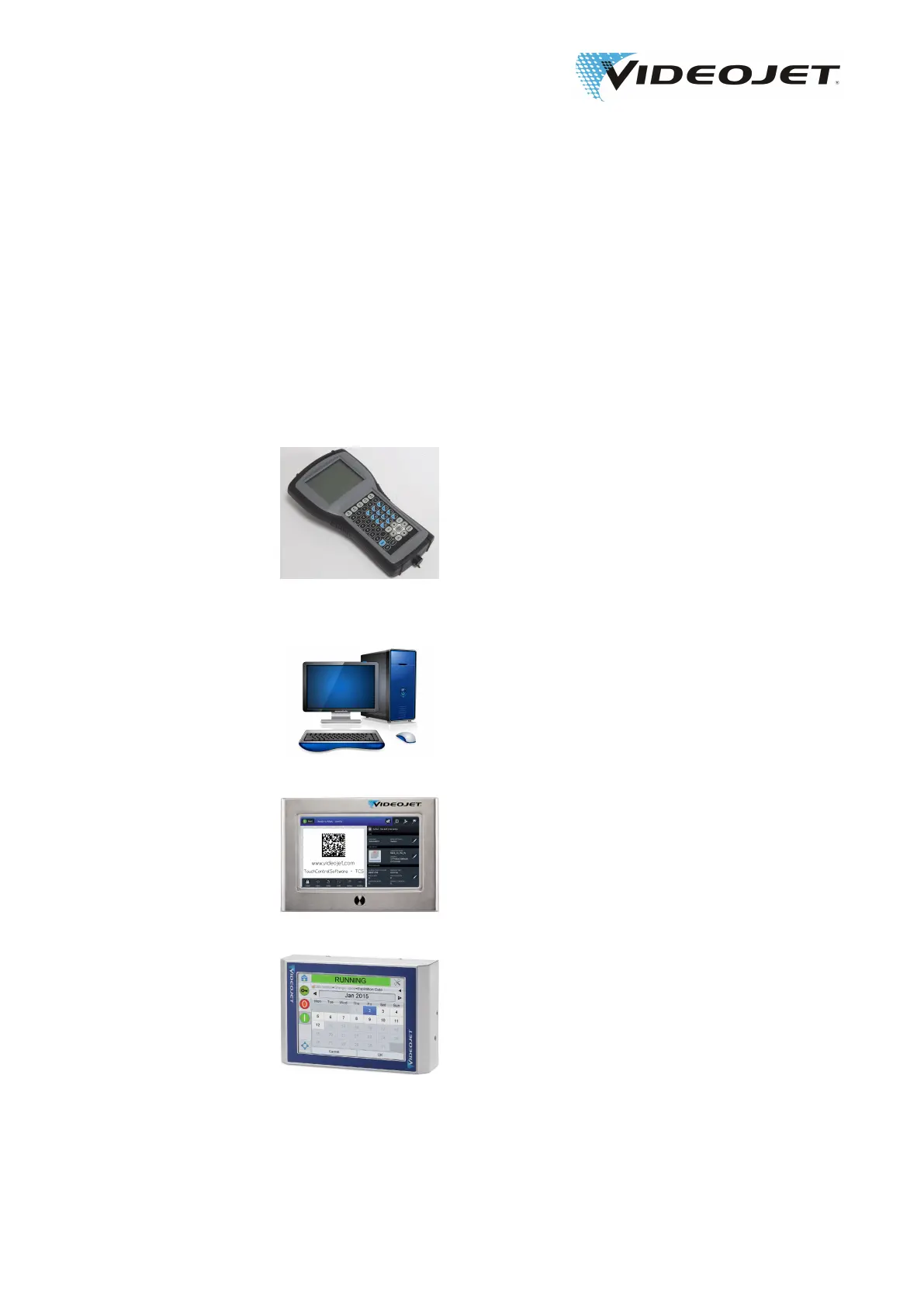
The laser system can be operated via:
Handheld The handheld gives you easy access to the controls of
the laser system. It is connected to the supply unit via the
network interface. One handheld can be used for differ-
ent supply units.
It permits you to:
• generate or alter a marking job.
• open and edit templates (limited).
• create and edit laser parameters.
• configure the laser system.
Smart Graph Software The Smart Graph software runs on your personal com-
puter under Windows. The software offers all possibilties
of the handheld. In addition you can create complex lay-
outs, import logos, change fonts and edit all laser param-
eters, etc.
Using the Smart Graph software you can transfer the cre-
ated templates directly to the supply unit.
Touch Control The Touch Control Software runs on a touch PC under
Windows.
Using the Touch Control you can easily create, edit, se-
lect and mark templates.
CLARiTY Using the CLARiTY Laser Controller you can easily se-
lect and mark templates.
For creating and editing of marking jobs CLARiSOFT is
required.
5.2 Marking Elements
The following elements must be defined in order to mark a product:
09/17 - Index: AD [EN]
35
Videojet 3140/3340/3640/5 Operating the Laser System



 To Next Page