VIPER-H4 user
manual V1.0
2.1 Installing HDD
Note: Hard disk drives are factory fitted.
Withdraw the mains plug before installing HDD to reduce the risk of injury or
electrical shock, or device malfunction.
Make sure to check the compatibility of HDD with the device.
1
Always switch off and unplug the unit.
2
Unscrew with a screw driver (+) and open the unit cover.
3
Install HDD in the bottom case.
4
Connect a data cable and power cable with HDD.
5
Close the cover and tighten screws.
2.2 System boot up
1
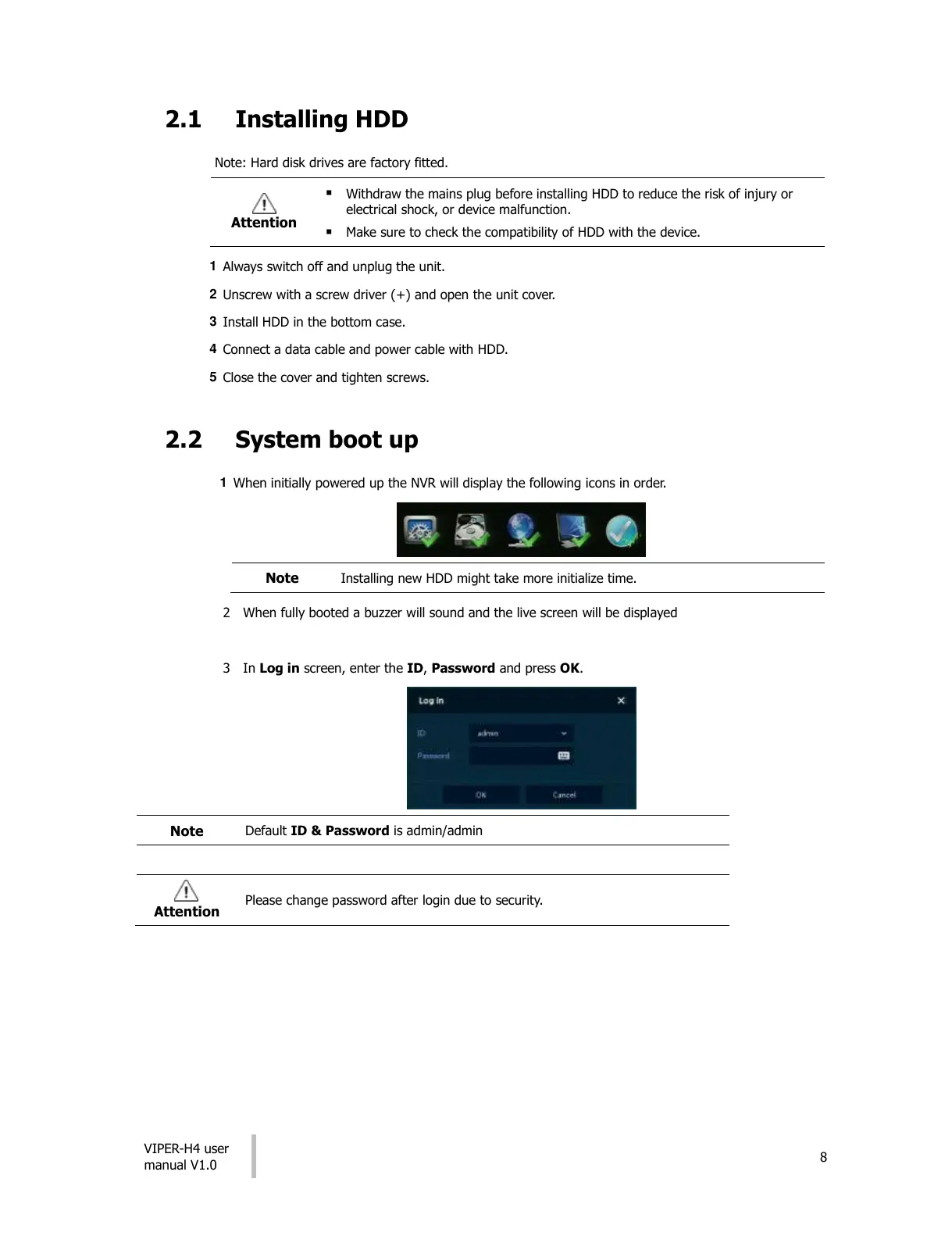
When initially powered up the NVR will display the following icons in order.
Installing new HDD might take more initialize time.
2 When fully booted a buzzer will sound and the live screen will be displayed
3 In Log in screen, enter the ID, Password and press OK.
Default ID & Password is admin/admin
Please change password after login due to security.
All manuals and user guides at all-guides.com




 To Next Page