VIPER-H4 user
manual V1.0
4.2.2 Time/Date
Time/Date > Time/Date
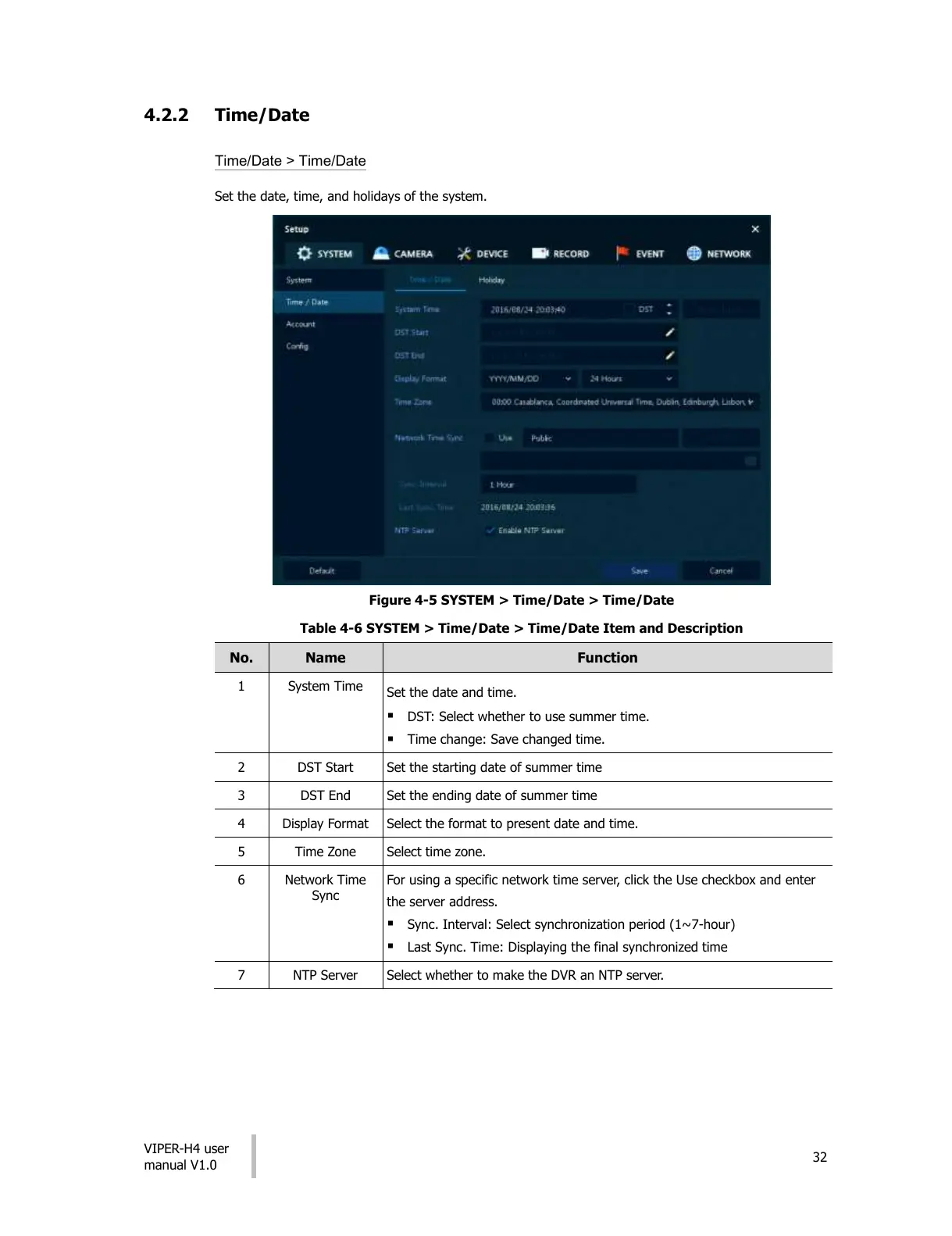
Set the date, time, and holidays of the system.
Figure 4-5 SYSTEM > Time/Date > Time/Date
Table 4-6 SYSTEM > Time/Date > Time/Date Item and Description
Set the date and time.
DST: Select whether to use summer time.
Time change: Save changed time.
Set the starting date of summer time
Set the ending date of summer time
Select the format to present date and time.
For using a specific network time server, click the Use checkbox and enter
the server address.
Sync. Interval: Select synchronization period (1~7-hour)
Last Sync. Time: Displaying the final synchronized time
Select whether to make the DVR an NTP server.
All manuals and user guides at all-guides.com











 To Next Page