VIPER-H4 user
manual V1.0
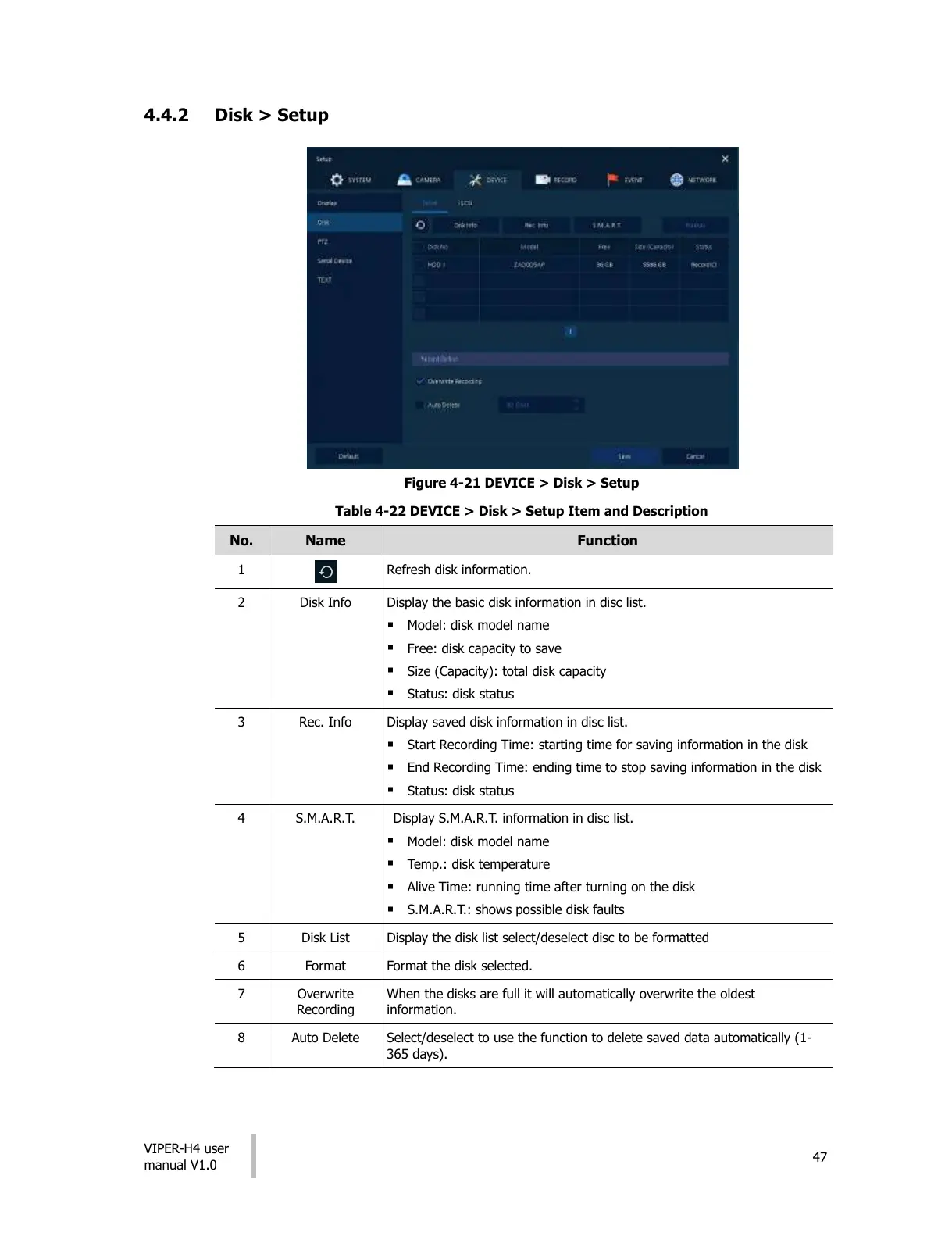
4.4.2 Disk > Setup
Figure 4-21 DEVICE > Disk > Setup
Table 4-22 DEVICE > Disk > Setup Item and Description
Refresh disk information.
Display the basic disk information in disc list.
Model: disk model name
Free: disk capacity to save
Size (Capacity): total disk capacity
Status: disk status
Display saved disk information in disc list.
Start Recording Time: starting time for saving information in the disk
End Recording Time: ending time to stop saving information in the disk
Status: disk status
Display S.M.A.R.T. information in disc list.
Model: disk model name
Temp.: disk temperature
Alive Time: running time after turning on the disk
S.M.A.R.T.: shows possible disk faults
Display the disk list select/deselect disc to be formatted
Format the disk selected.
When the disks are full it will automatically overwrite the oldest
information.
Select/deselect to use the function to delete saved data automatically (1-
365 days).
All manuals and user guides at all-guides.com











 To Next Page