VIPER-H4 user
manual V1.0
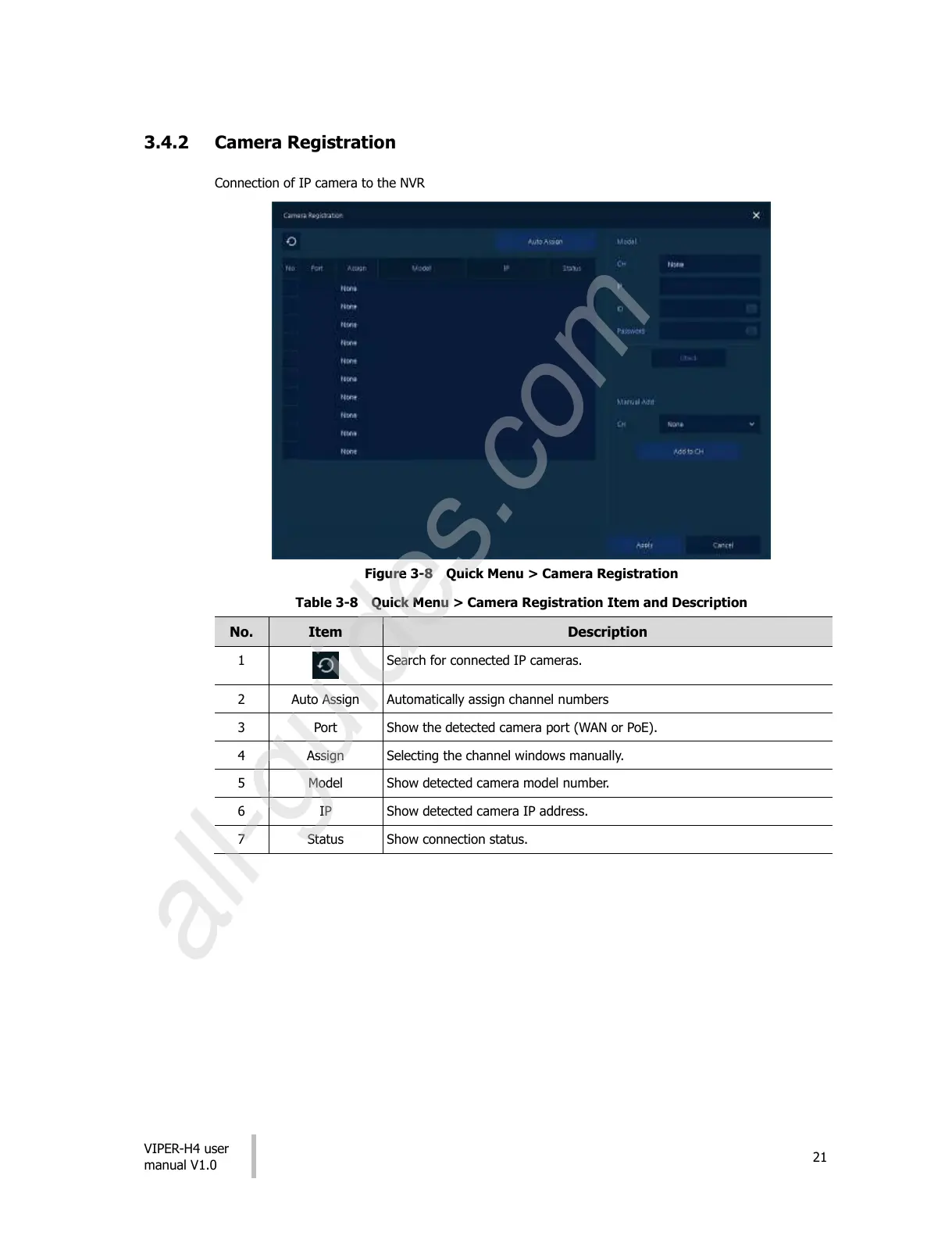
3.4.2 Camera Registration
Connection of IP camera to the NVR
Figure 3-8 Quick Menu > Camera Registration
Table 3-8 Quick Menu > Camera Registration Item and Description
Search for connected IP cameras.
Automatically assign channel numbers
Show the detected camera port (WAN or PoE).
Selecting the channel windows manually.
Show detected camera model number.
Show detected camera IP address.
All manuals and user guides at all-guides.com
all-guides.com











 To Next Page