VIPER-H4 user
manual V1.0
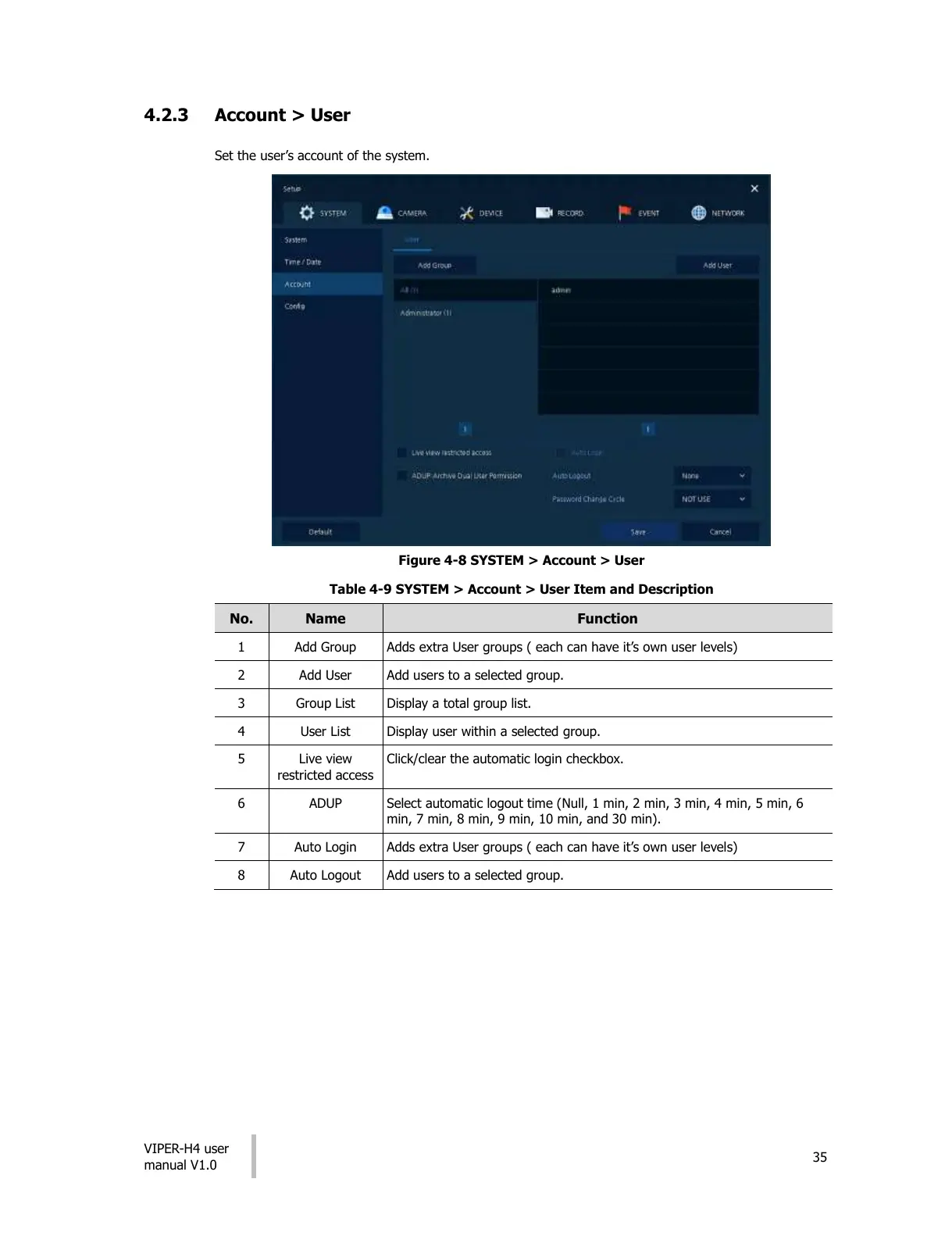
4.2.3 Account > User
Set the user’s account of the system.
Figure 4-8 SYSTEM > Account > User
Table 4-9 SYSTEM > Account > User Item and Description
Adds extra User groups ( each can have it’s own user levels)
Add users to a selected group.
Display a total group list.
Display user within a selected group.
Live view
restricted access
Click/clear the automatic login checkbox.
Select automatic logout time (Null, 1 min, 2 min, 3 min, 4 min, 5 min, 6
min, 7 min, 8 min, 9 min, 10 min, and 30 min).
Adds extra User groups ( each can have it’s own user levels)
Add users to a selected group.
All manuals and user guides at all-guides.com











 To Next Page