VIPER-H4 user
manual V1.0
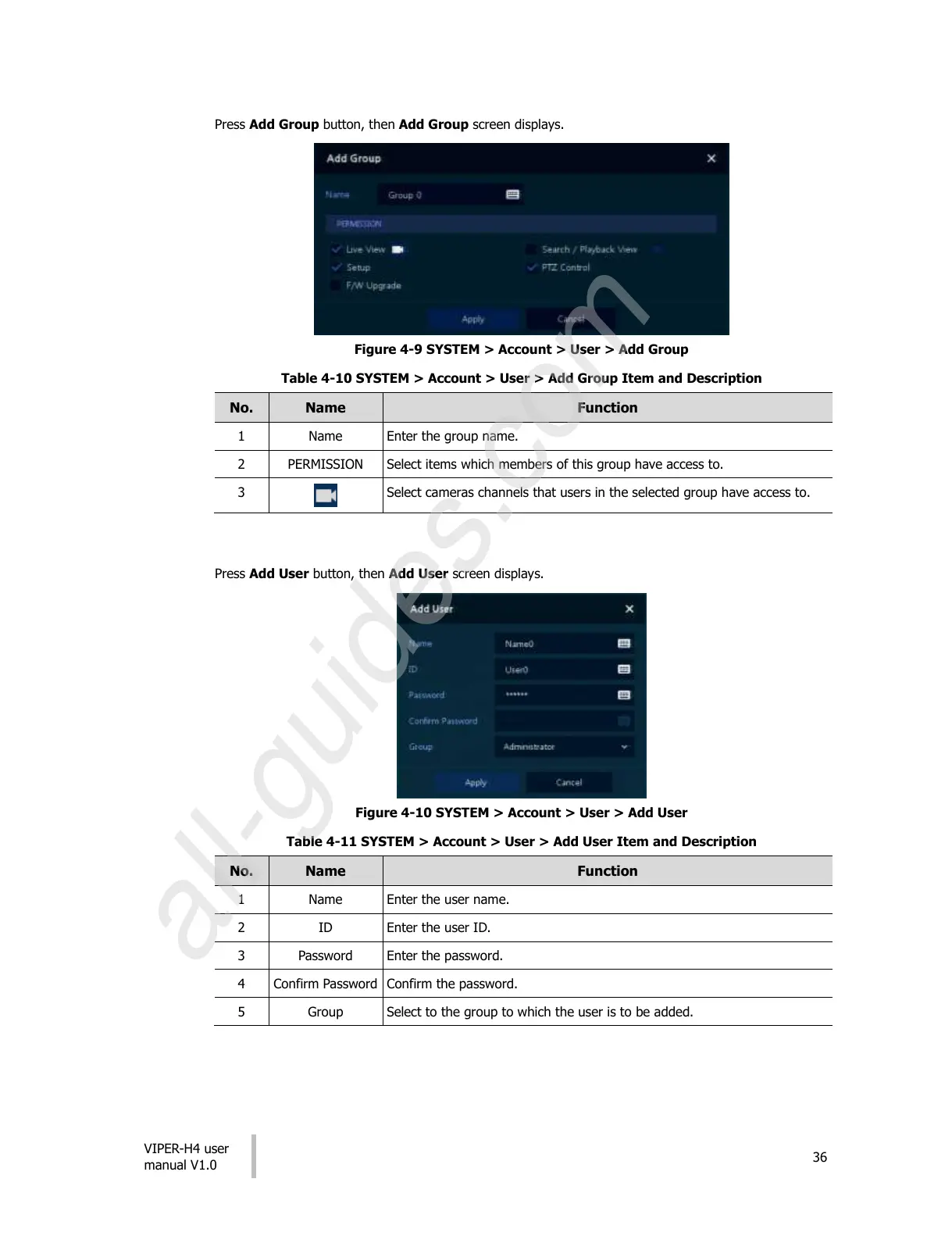
Press Add Group button, then Add Group screen displays.
Figure 4-9 SYSTEM > Account > User > Add Group
Table 4-10 SYSTEM > Account > User > Add Group Item and Description
Select items which members of this group have access to.
Select cameras channels that users in the selected group have access to.
Press Add User button, then Add User screen displays.
Figure 4-10 SYSTEM > Account > User > Add User
Table 4-11 SYSTEM > Account > User > Add User Item and Description
Select to the group to which the user is to be added.
All manuals and user guides at all-guides.com
all-guides.com











 To Next Page