VIPER-H4 user
manual V1.0
4.7 NETWORK
4.7.1 Basic
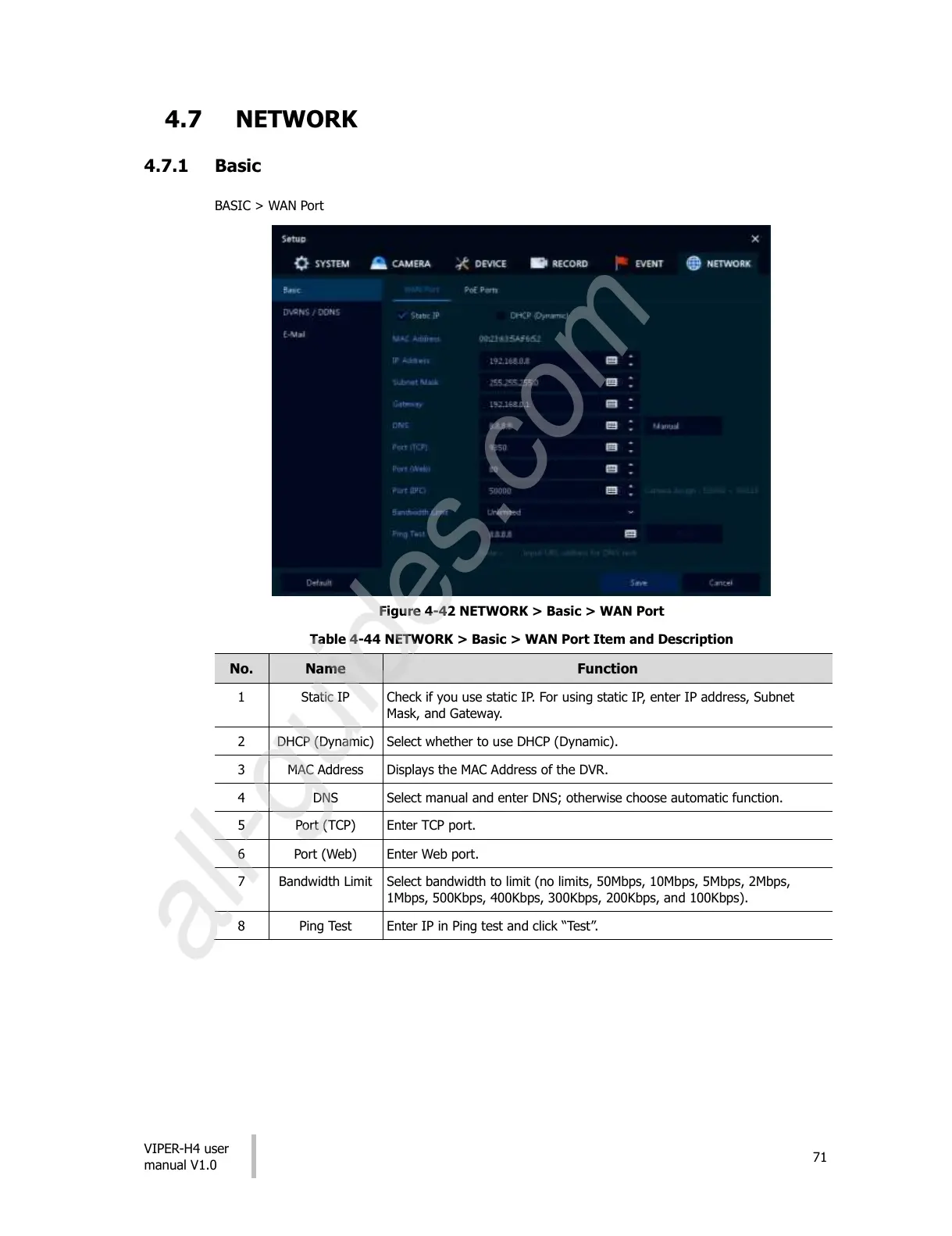
BASIC > WAN Port
Figure 4-42 NETWORK > Basic > WAN Port
Table 4-44 NETWORK > Basic > WAN Port Item and Description
Check if you use static IP. For using static IP, enter IP address, Subnet
Mask, and Gateway.
Select whether to use DHCP (Dynamic).
Displays the MAC Address of the DVR.
Select manual and enter DNS; otherwise choose automatic function.
Select bandwidth to limit (no limits, 50Mbps, 10Mbps, 5Mbps, 2Mbps,
1Mbps, 500Kbps, 400Kbps, 300Kbps, 200Kbps, and 100Kbps).
Enter IP in Ping test and click “Test”.
All manuals and user guides at all-guides.com
all-guides.com











 To Next Page