VIPER-H4 user
manual V1.0
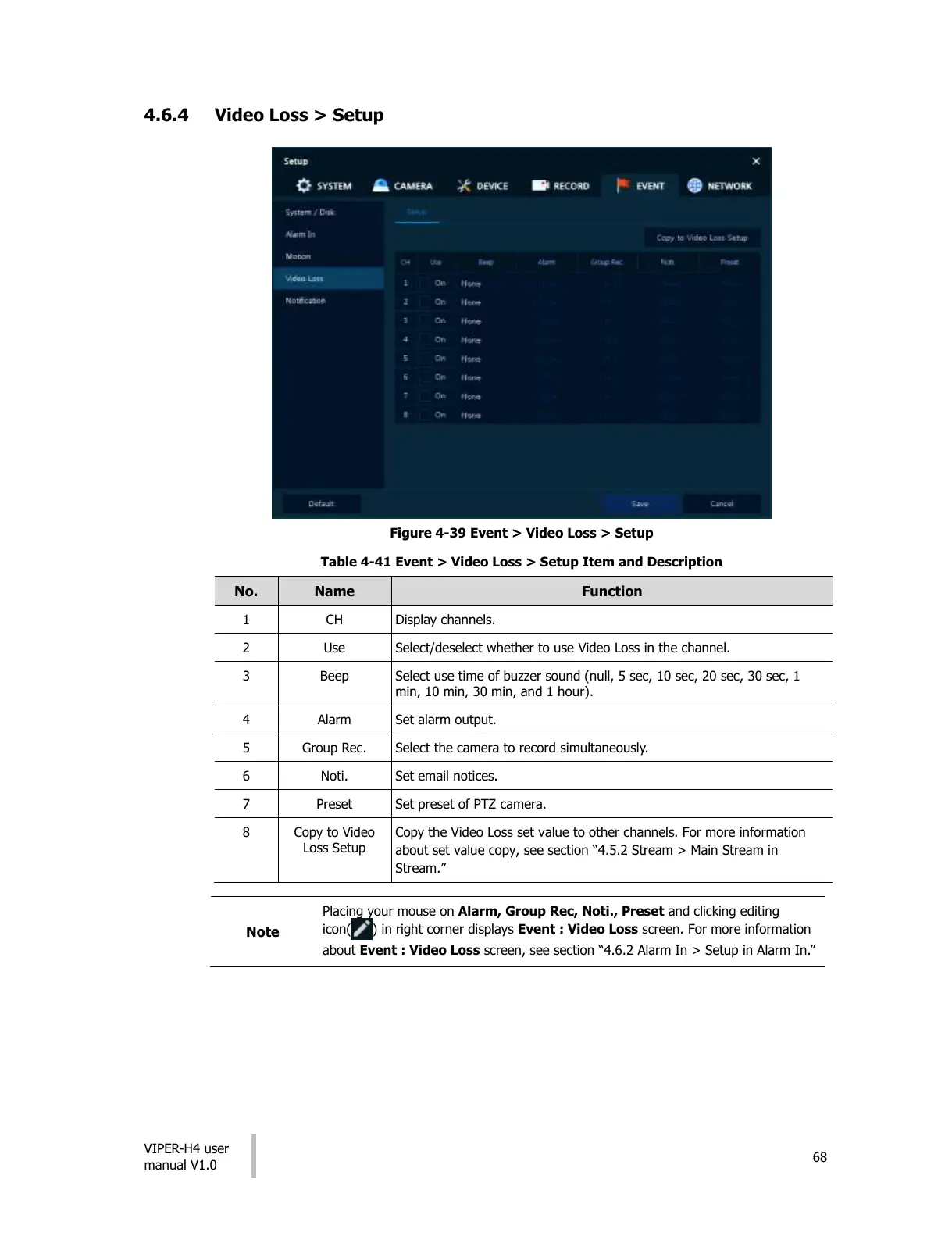
4.6.4 Video Loss > Setup
Figure 4-39 Event > Video Loss > Setup
Table 4-41 Event > Video Loss > Setup Item and Description
Select/deselect whether to use Video Loss in the channel.
Select use time of buzzer sound (null, 5 sec, 10 sec, 20 sec, 30 sec, 1
min, 10 min, 30 min, and 1 hour).
Select the camera to record simultaneously.
Set preset of PTZ camera.
Copy the Video Loss set value to other channels. For more information
about set value copy, see section “4.5.2 Stream > Main Stream in
Stream.”
Placing your mouse on Alarm, Group Rec, Noti., Preset and clicking editing
icon( ) in right corner displays Event : Video Loss screen. For more information
about Event : Video Loss screen, see section “4.6.2 Alarm In > Setup in Alarm In.”
All manuals and user guides at all-guides.com











 To Next Page