VIPER-H4 user
manual V1.0
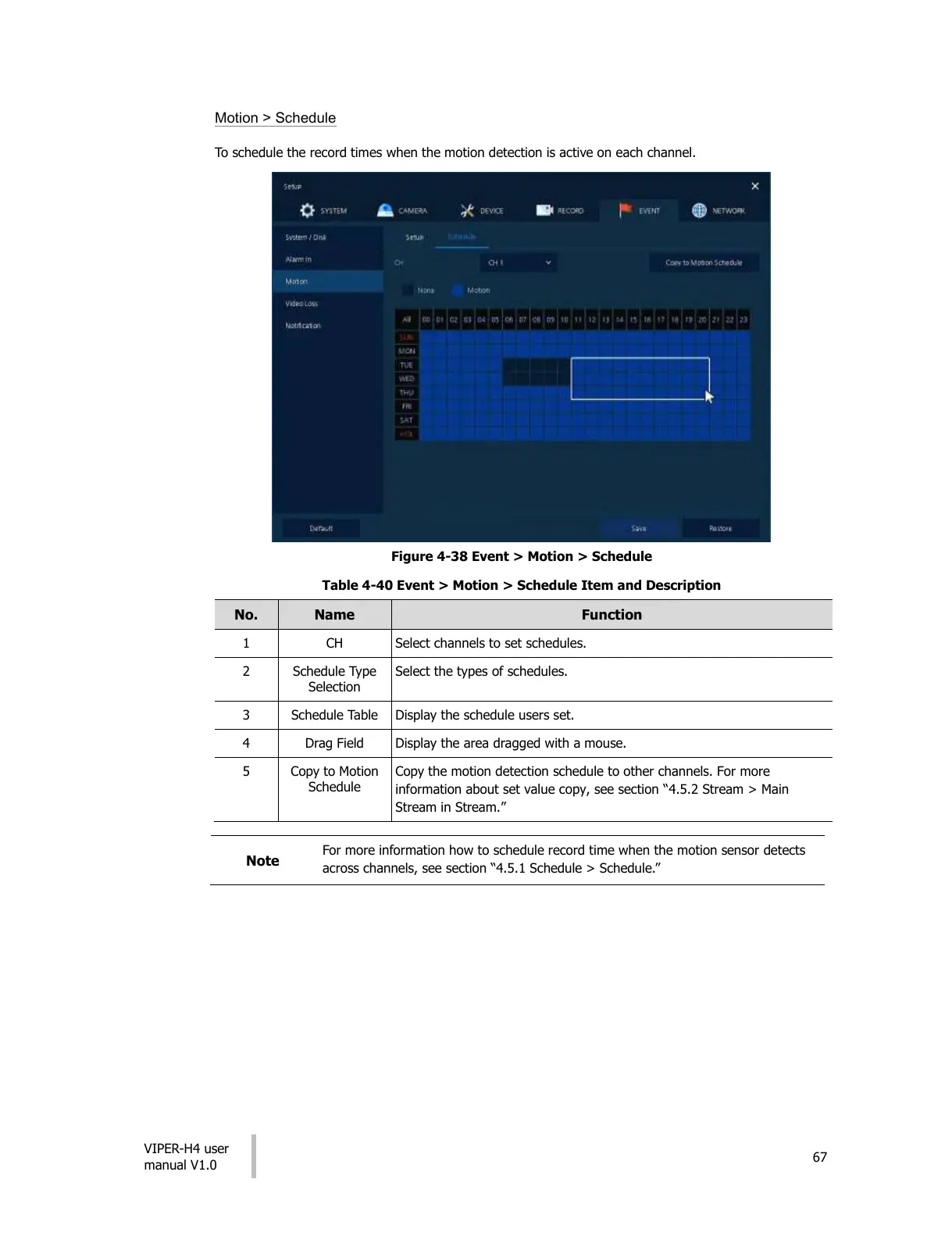
Motion > Schedule
To schedule the record times when the motion detection is active on each channel.
Figure 4-38 Event > Motion > Schedule
Table 4-40 Event > Motion > Schedule Item and Description
Select channels to set schedules.
Select the types of schedules.
Display the schedule users set.
Display the area dragged with a mouse.
Copy the motion detection schedule to other channels. For more
information about set value copy, see section “4.5.2 Stream > Main
Stream in Stream.”
For more information how to schedule record time when the motion sensor detects
across channels, see section “4.5.1 Schedule > Schedule.”
All manuals and user guides at all-guides.com











 To Next Page