VIPER-H4 user
manual V1.0
3. Live Screen Configuration
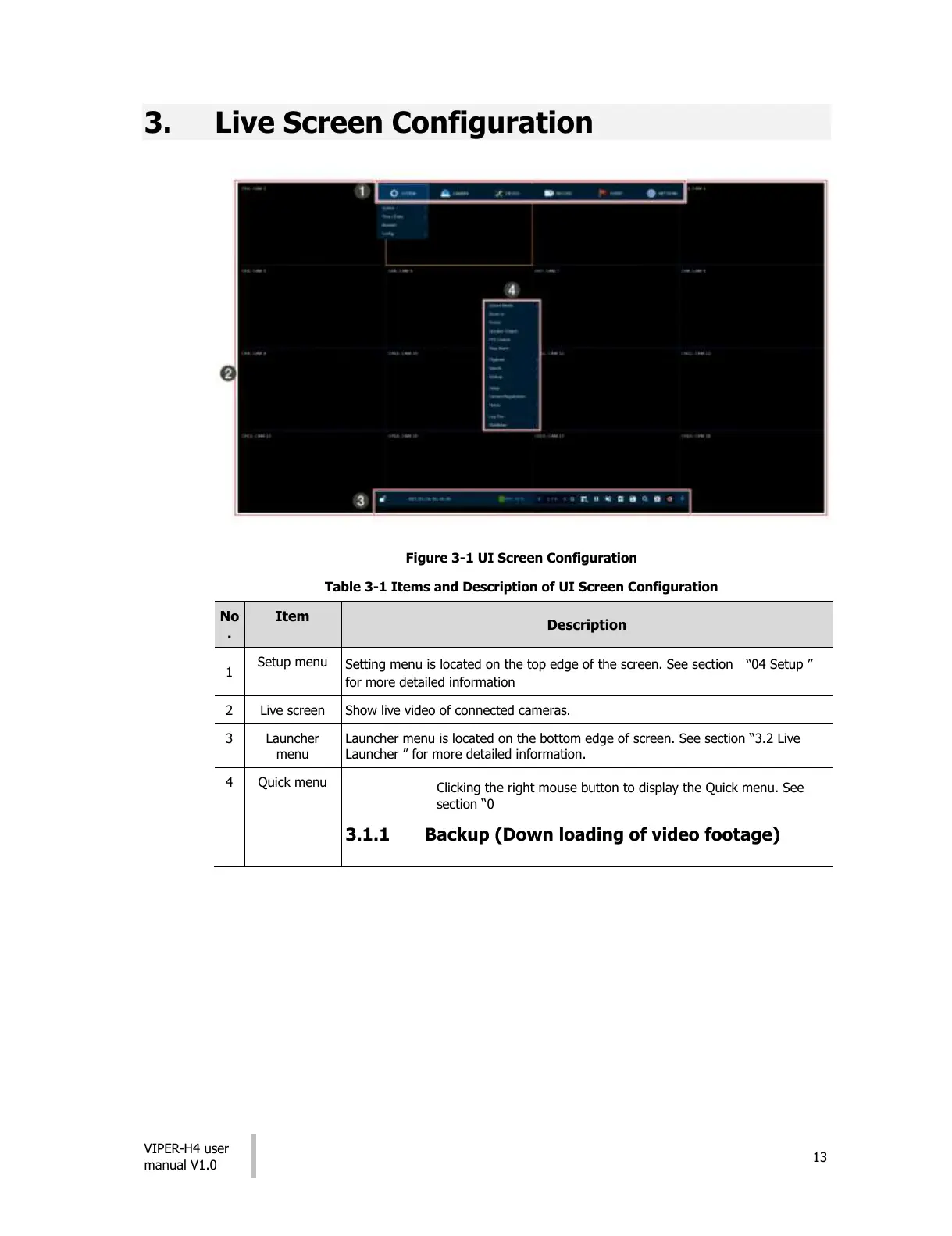
Figure 3-1 UI Screen Configuration
Table 3-1 Items and Description of UI Screen Configuration
Setting menu is located on the top edge of the screen. See section “04 Setup ”
for more detailed information
Show live video of connected cameras.
Launcher menu is located on the bottom edge of screen. See section “3.2 Live
Launcher ” for more detailed information.
Clicking the right mouse button to display the Quick menu. See
section “0
3.1.1 Backup (Down loading of video footage)
All manuals and user guides at all-guides.com











 To Next Page