2.3.4 Time/Date
1
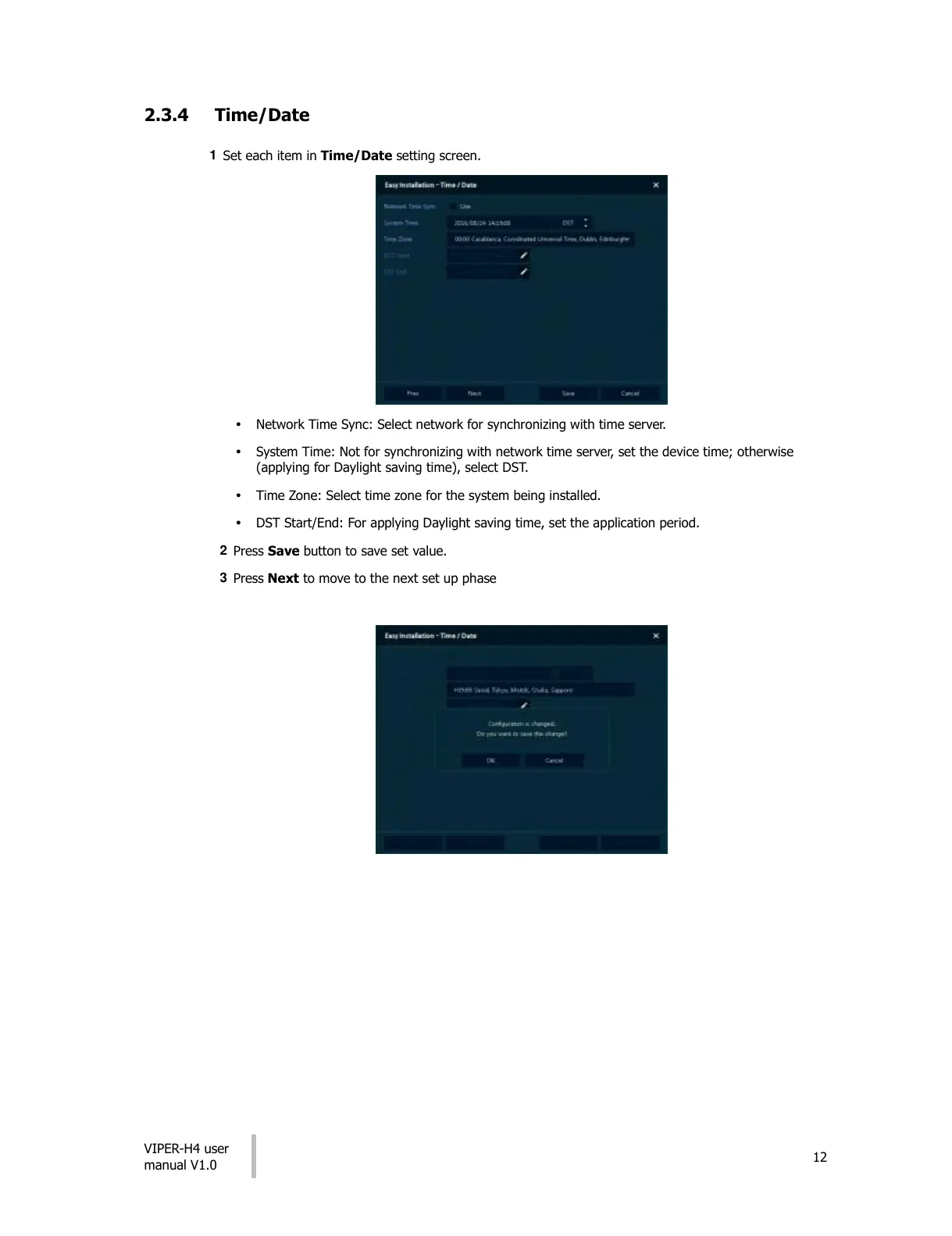
Set each item in Time/Date setting screen.
Network Time Sync: Select network for synchronizing with time server.
System Time: Not for synchronizing with network time server, set the device time; otherwise
(applying for Daylight saving time), select DST.
Time Zone: Select time zone for the system being installed.
DST Start/End: For applying Daylight saving time, set the application period.
2
Press Save button to save set value.
3
Press Next to move to the next set up phase




 To Next Page