VIPER-H4 user
manual V1.0
3.4 Quick menu
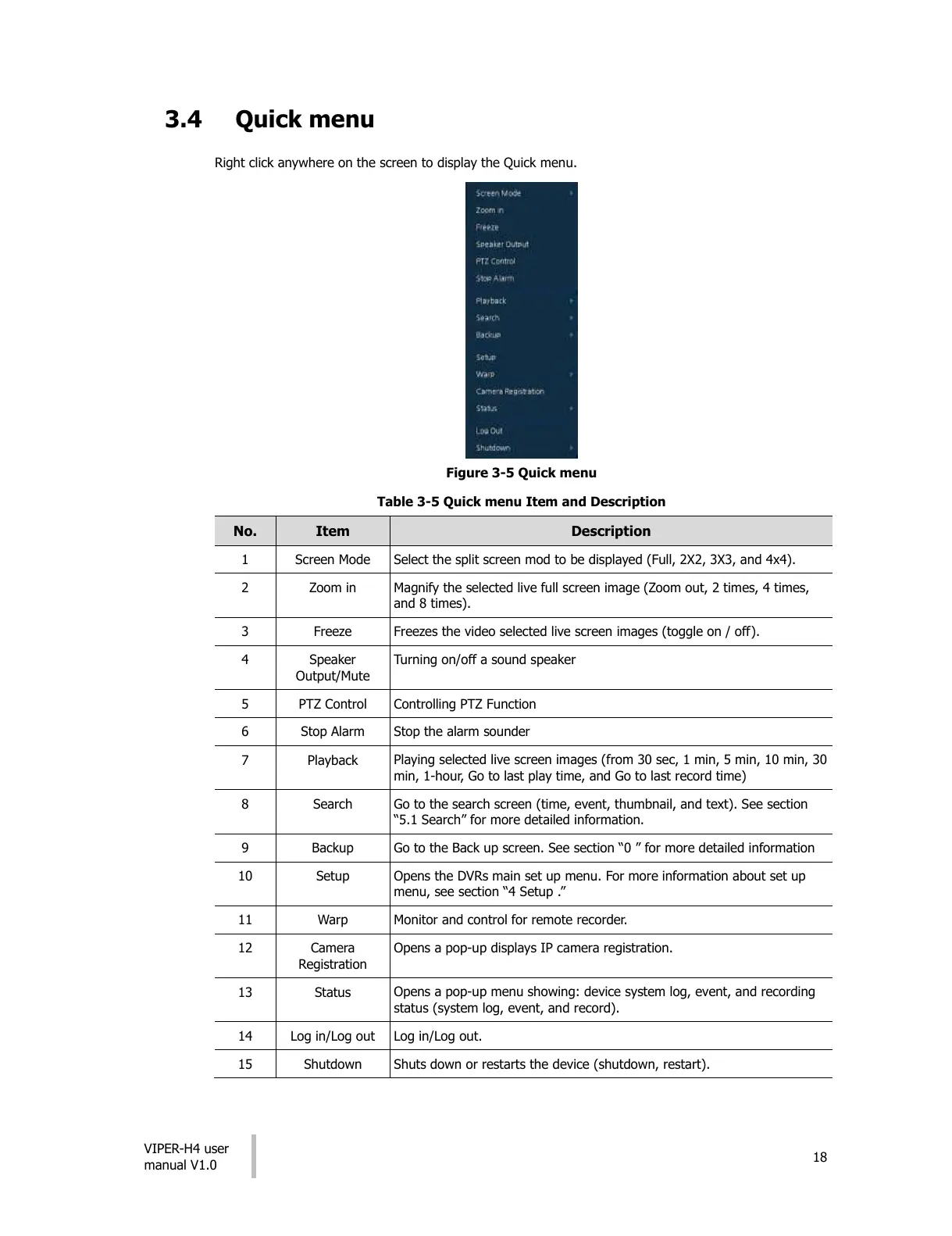
Right click anywhere on the screen to display the Quick menu.
Figure 3-5 Quick menu
Table 3-5 Quick menu Item and Description
Select the split screen mod to be displayed (Full, 2X2, 3X3, and 4x4).
Magnify the selected live full screen image (Zoom out, 2 times, 4 times,
and 8 times).
Freezes the video selected live screen images (toggle on / off).
Turning on/off a sound speaker
Playing selected live screen images (from 30 sec, 1 min, 5 min, 10 min, 30
min, 1-hour, Go to last play time, and Go to last record time)
Go to the search screen (time, event, thumbnail, and text). See section
“5.1 Search” for more detailed information.
Go to the Back up screen. See section “0 ” for more detailed information
Opens the DVRs main set up menu. For more information about set up
menu, see section “4 Setup .”
Monitor and control for remote recorder.
Opens a pop-up displays IP camera registration.
Opens a pop-up menu showing: device system log, event, and recording
status (system log, event, and record).
Shuts down or restarts the device (shutdown, restart).
All manuals and user guides at all-guides.com











 To Next Page