2.3.3 Network
1
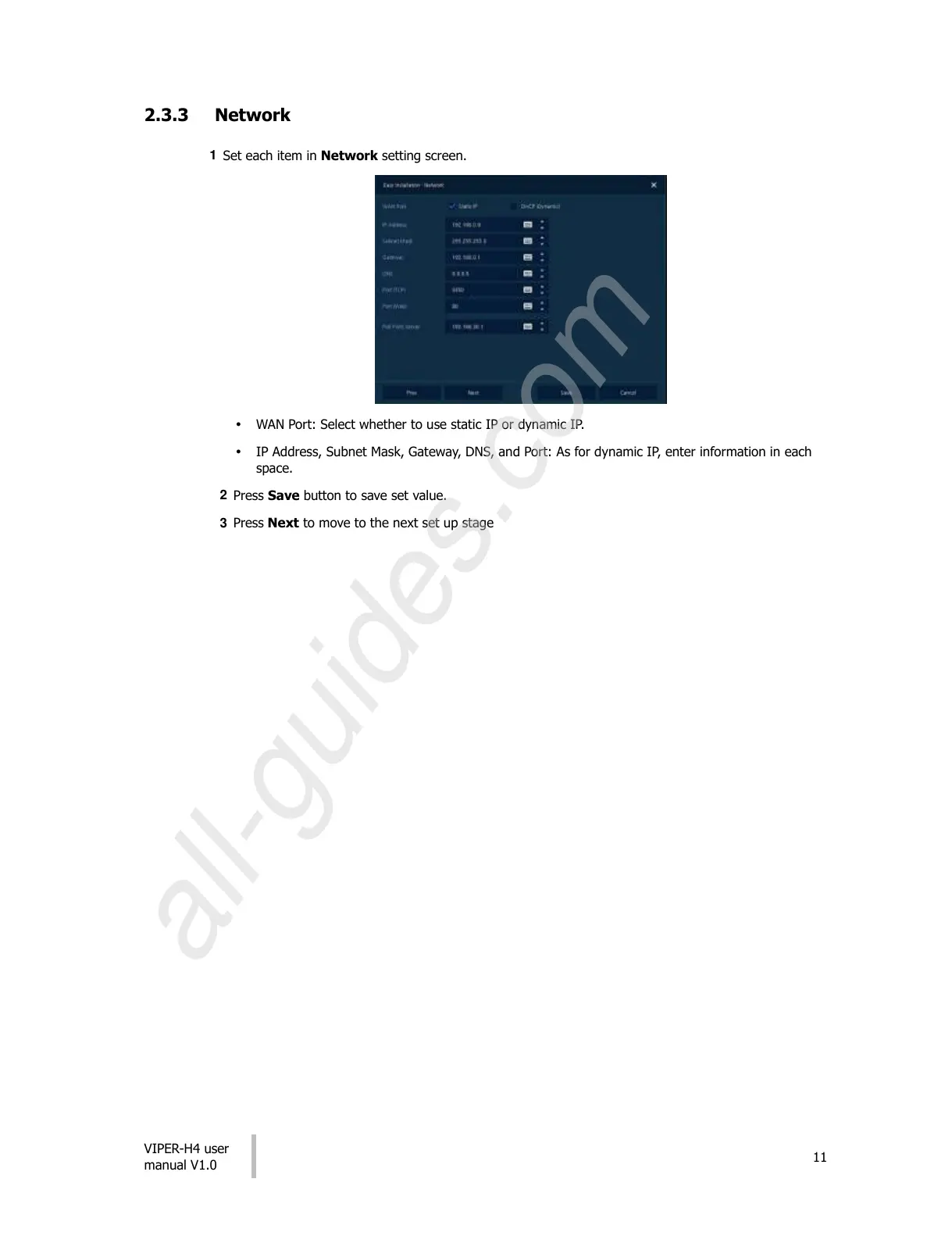
Set each item in Network setting screen.
WAN Port: Select whether to use static IP or dynamic IP.
IP Address, Subnet Mask, Gateway, DNS, and Port: As for dynamic IP, enter information in each
space.
2
Press Save button to save set value.
3
Press Next to move to the next set up stage











 To Next Page