VIPER-H4 user
manual V1.0
5. Search/Play
This chapter describes Live Launcher search and play menu located at the bottom of the screen.
Figure 5-1 Live Launcher Search, Play menu
Table 5-1 Item and Description of Live Launcher Search, Play menu
Searching recording data (time, event, and thumbnail).
Playing recorded data – go direct to playback mode.
5.1 Search
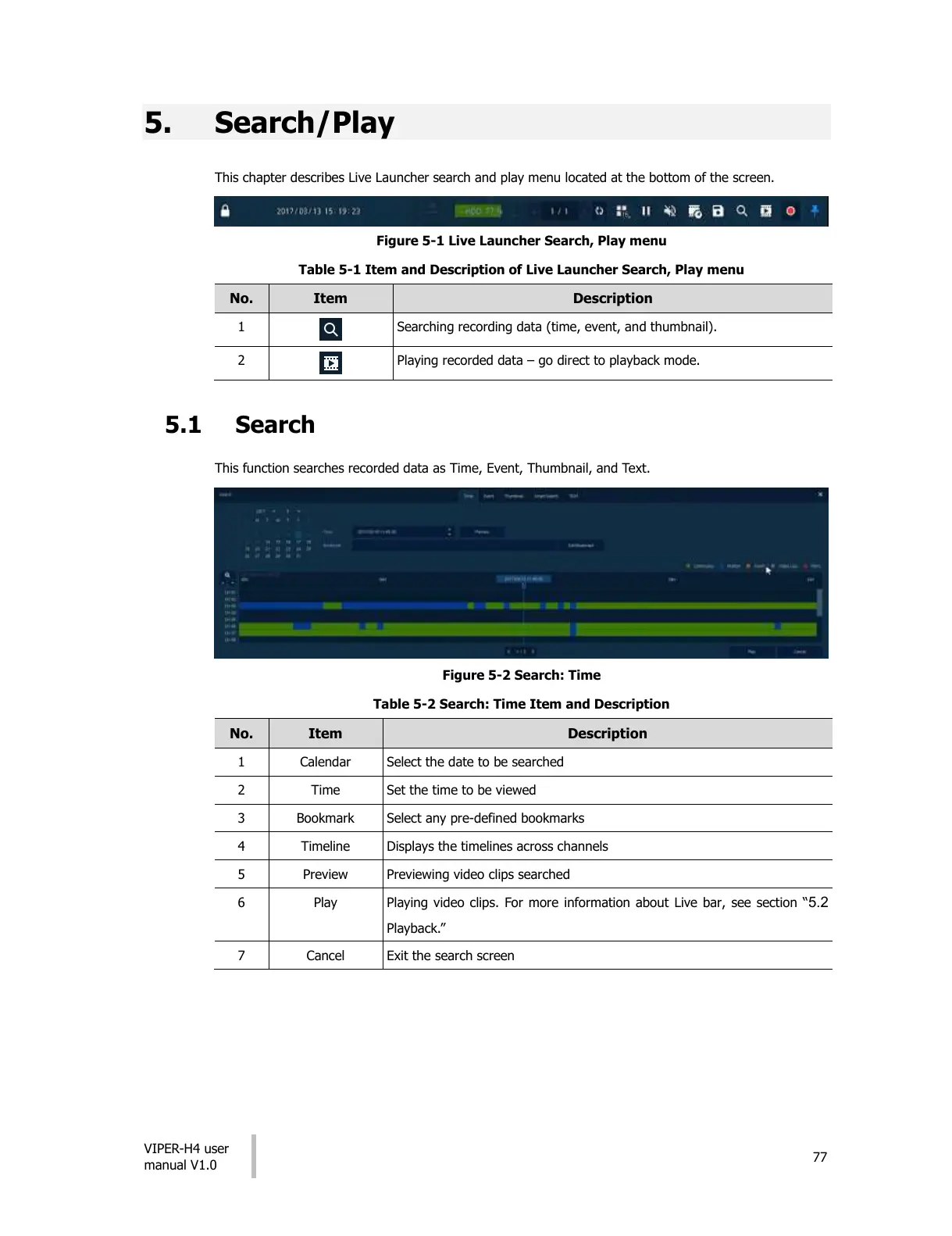
This function searches recorded data as Time, Event, Thumbnail, and Text.
Figure 5-2 Search: Time
Table 5-2 Search: Time Item and Description
Select the date to be searched
Set the time to be viewed
Select any pre-defined bookmarks
Displays the timelines across channels
Previewing video clips searched
Playing video clips. For more information about Live bar, see section “5.2
Playback.”
All manuals and user guides at all-guides.com











 To Next Page