VIPER-H4 user
manual V1.0
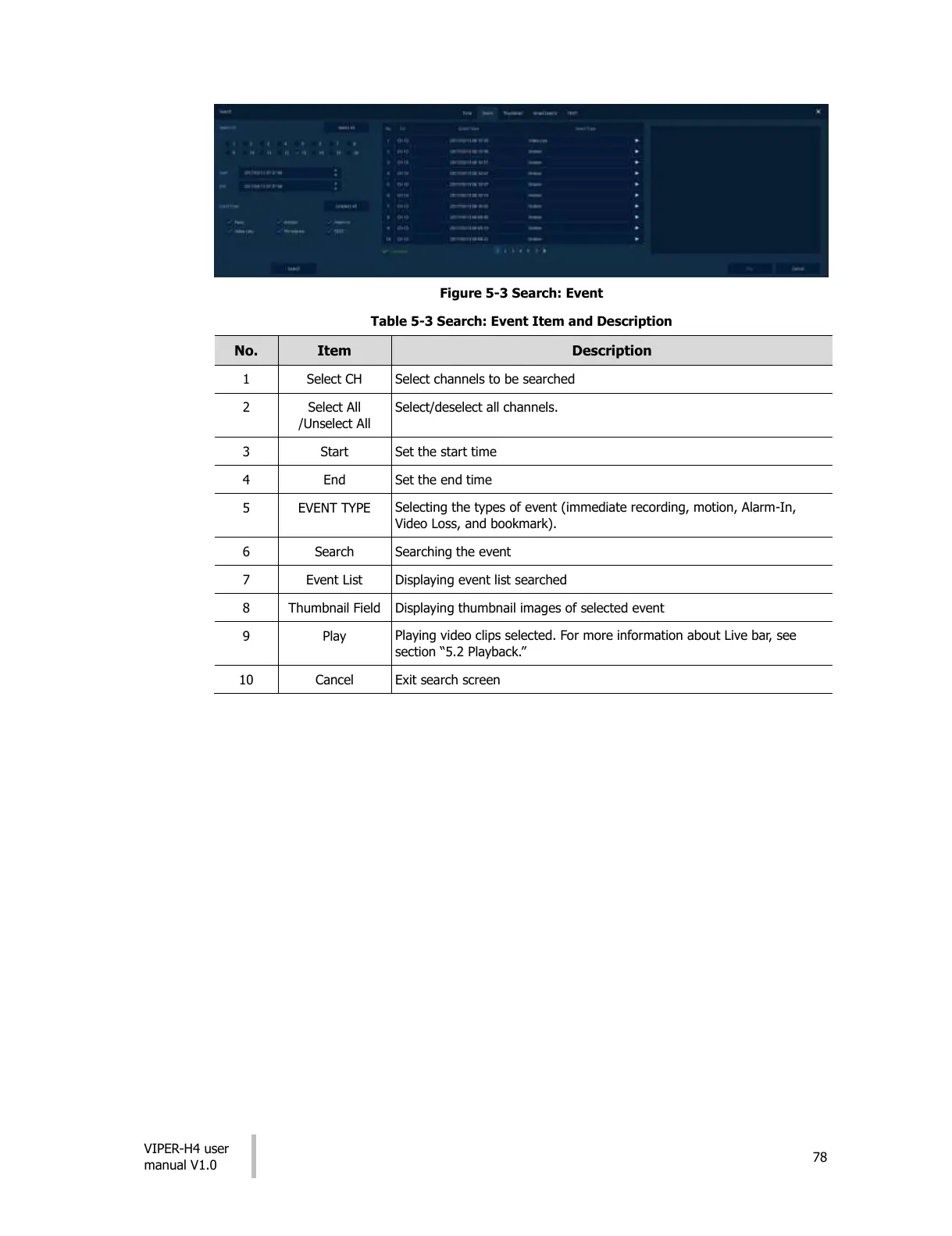
Figure 5-3 Search: Event
Table 5-3 Search: Event Item and Description
Select channels to be searched
Select/deselect all channels.
Selecting the types of event (immediate recording, motion, Alarm-In,
Video Loss, and bookmark).
Displaying event list searched
Displaying thumbnail images of selected event
Playing video clips selected. For more information about Live bar, see
section “5.2 Playback.”
All manuals and user guides at all-guides.com











 To Next Page