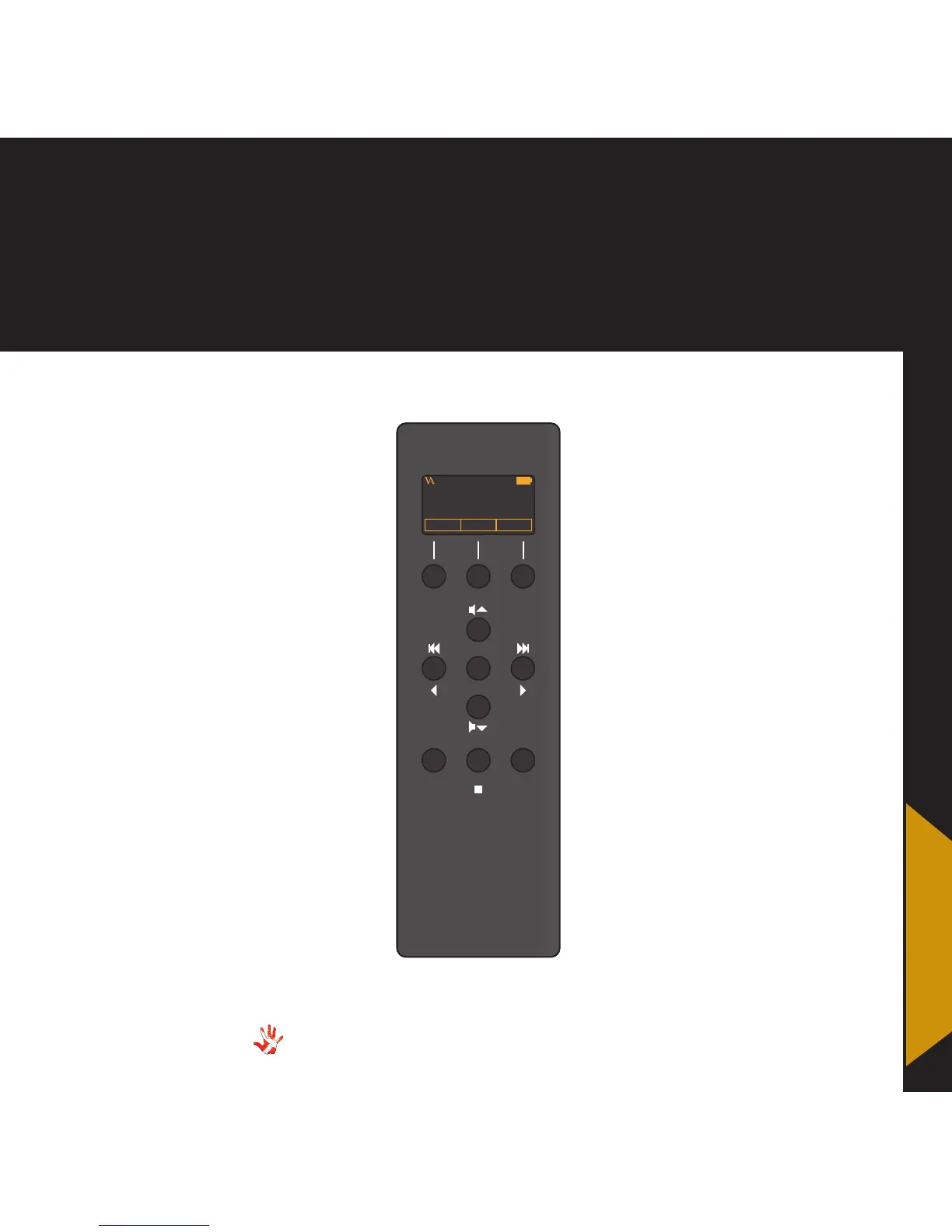
8. RC-010 operation
Normal mode
Buttons
In normal mode there are
11 basic functions/buttons
available on the left front.
1. Hotkey*
2. Switch between products.
Enter menu mode.
3. Hotkey.*
4. Volume up
5. Previous input
6. Mute
7. Next input
8. Volume down
9. -
10. Change class
11. Standby
*A hotkey is a button that can
be programmed by the user.
Normal mode
Display
In normal mode the display has
6 information fields.
a. VA logo
b. The device that the RC-010
is controlling now.
c. Battery status
d. Hotkey standard set to be
a shortcut to the SCD-025.
e. Change the device that the
RC-010 has to control.
f. Hotkey standard set to be
a shortcut to INPUT2.
2
4
8
5 6
7
10
VITUS
REP STBA/AB



 To Next Page