8. RC-010 operation
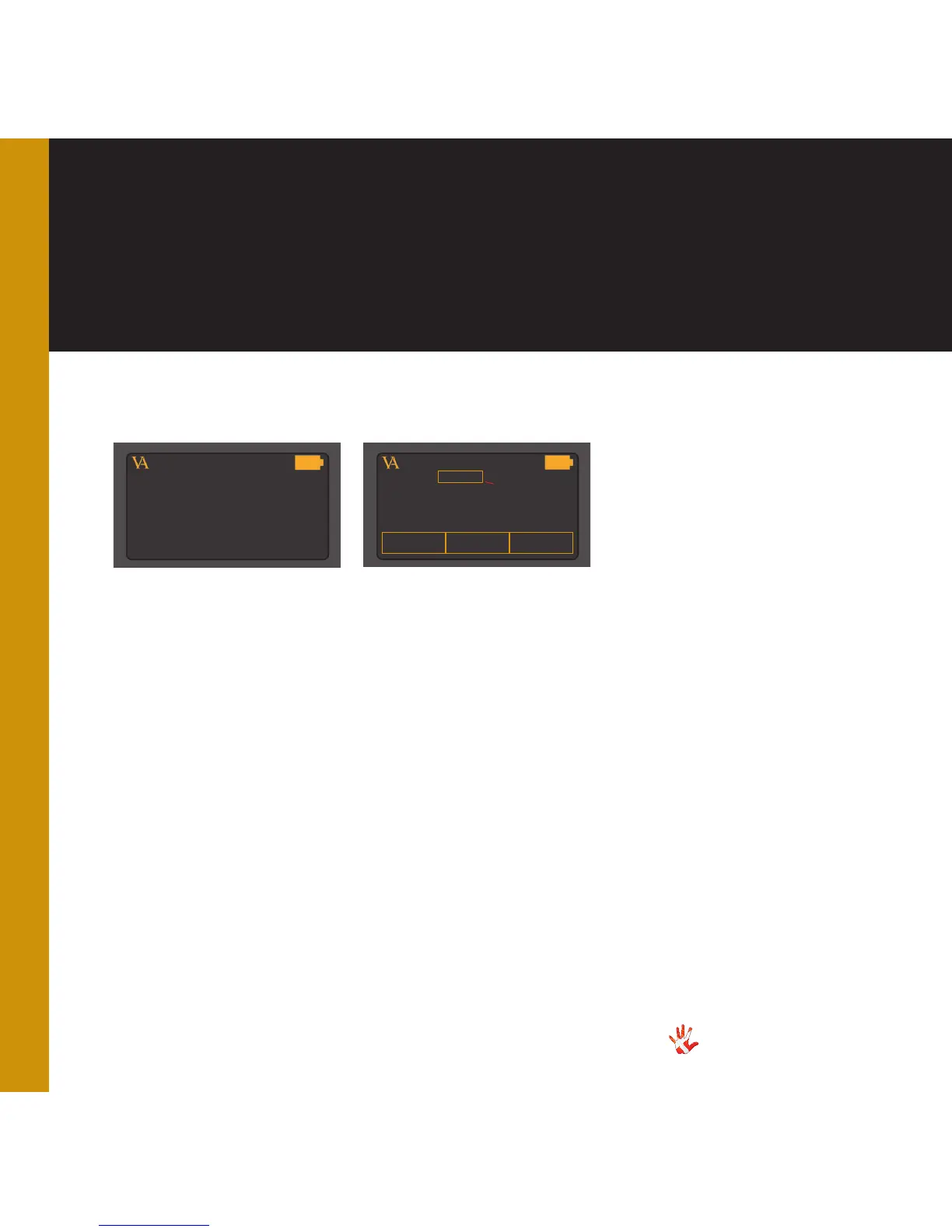
Sub-menu: SELECT KEY.
1 .
The name of the product
that you added in sub-menu
item ADD PRODUCT.
2 .
Select a name for the button
that you selected. This name
will appear in the screen every
time you push this button.
3 .
Enter the RC 5 code that the
remote has to send when this
button is pressed.
4 .
Enable / disable this button.
5 .
Delete the settings for this
button. Now you can reinstall
this button.
PRODUCT
1
2
...
NAME : ...
ADDR : OO
ENABLE
DELETE
...
SELECT KEY
1
2
3
4
5
6
8
7
9
Layout 1 Layout 2
Sub-menu: PROGRAM KEY.
1 .
The name of the product
that you added in sub-menu
item ADD PRODUCT.
2 .
Select a key/button that you
want to program.
6 .
Hotkey 1. Enter this item
by pressing button 1. Scroll
through the list of predefined
products with button 1. Select
a product from the list with
button 1. Change the product
that you want to edit. Scroll
through the list of products
with button 2.
7 .
Hotkey 2. Enter this item
by pressing button 3. Scroll
through the list of predefined
products with button 3. Select
a product from the list with
button 3.
8 .
Selection indicator. Indicates
which item on the display you
have selected.



 To Next Page