When finished, press Cancel to
return to the projected image.
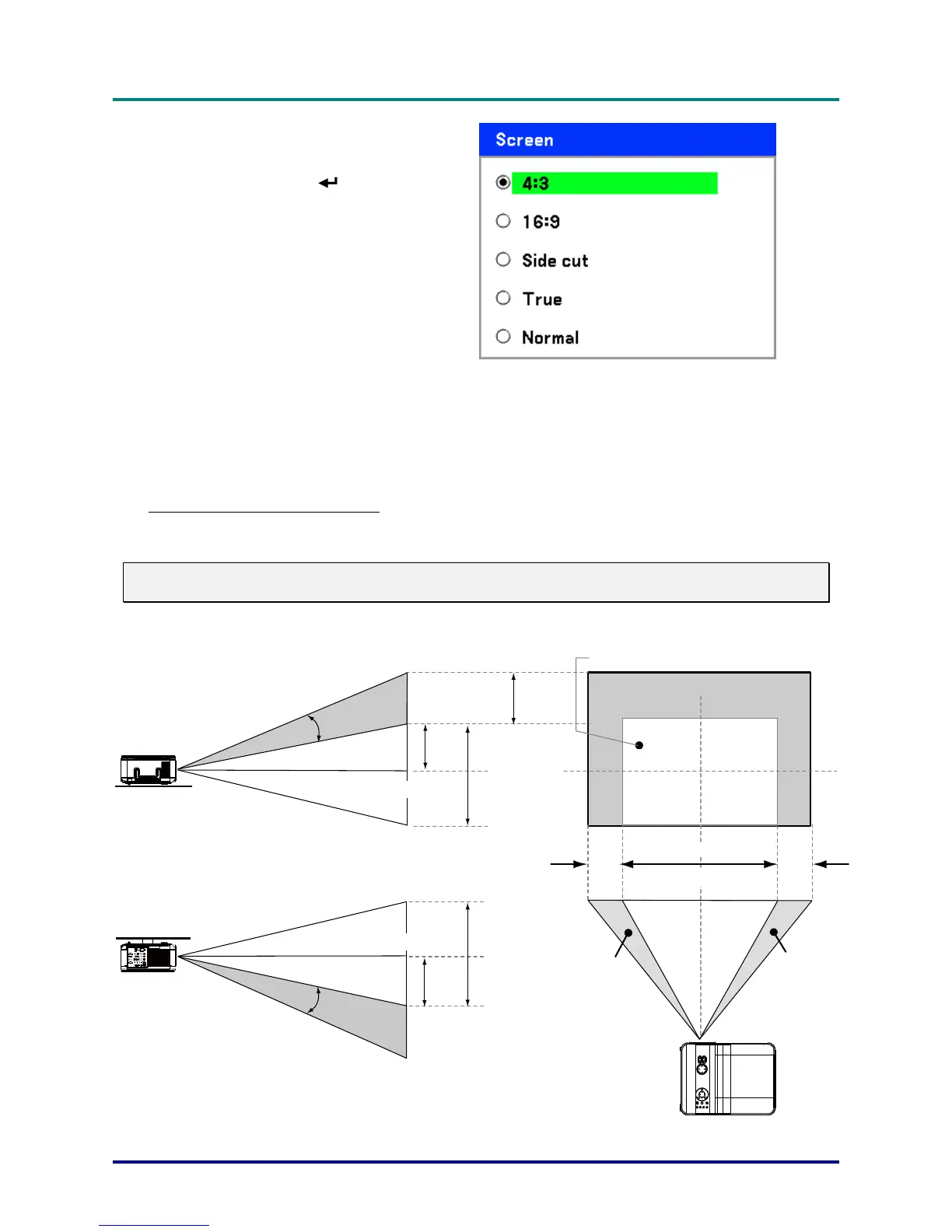
Lens Shift Adjustable Range
The adjustable range for lens shift is tabulated below and subject to the conditions listed.
Note:
The drawings below apply to the standard lens (GB940G) only.
Vertical Shift
Vertical Shift
Max
0.5V
Max
0.5V
1V
1V
0.1H
0.1H
1H
Desk-Front Projection
Normal projection position
Ceiling Mount-Front Projection
Height of projected image
Height of projected image
Width of p rojected image
Shift to Left Shift to Right
– 25 –



 To Next Page