D
D
D
L
L
L
P
P
P
P
P
P
r
r
r
o
o
o
j
j
j
e
e
e
c
c
c
t
t
t
o
o
o
r
r
r
–
–
–
U
U
U
s
s
s
e
e
e
r
r
r
’
’
’
s
s
s
M
M
M
a
a
a
n
n
n
u
u
u
a
a
a
l
l
l
Optimizing an RGB Image Automatically
Adjusting the Image Using AUTO
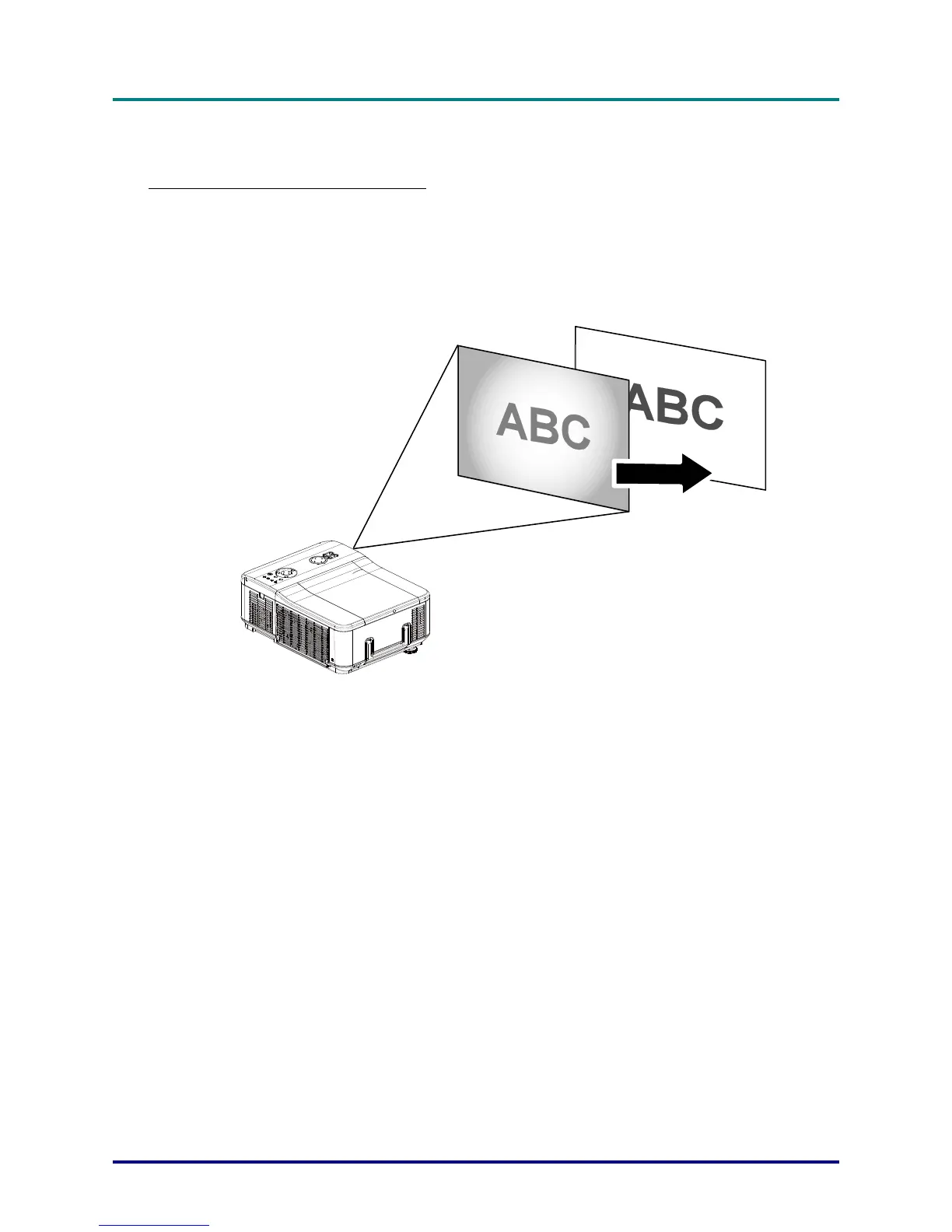
To optimize an RGB image automatically refer to the following guide.
Press the Auto button on the remote control (see Remote Control Parts on page 7) or the AUTO but-
ton on the OSD control panel to optimize an RGB image automatically.
This adjustment may be necessary when you connect your computer for the first time.
– 29 –



 To Next Page