D
D
D
L
L
L
P
P
P
P
P
P
r
r
r
o
o
o
j
j
j
e
e
e
c
c
c
t
t
t
o
o
o
r
r
r
—
—
—
U
U
U
s
s
s
e
e
e
r
r
r
’
’
’
s
s
s
M
M
M
a
a
a
n
n
n
u
u
u
a
a
a
l
l
l
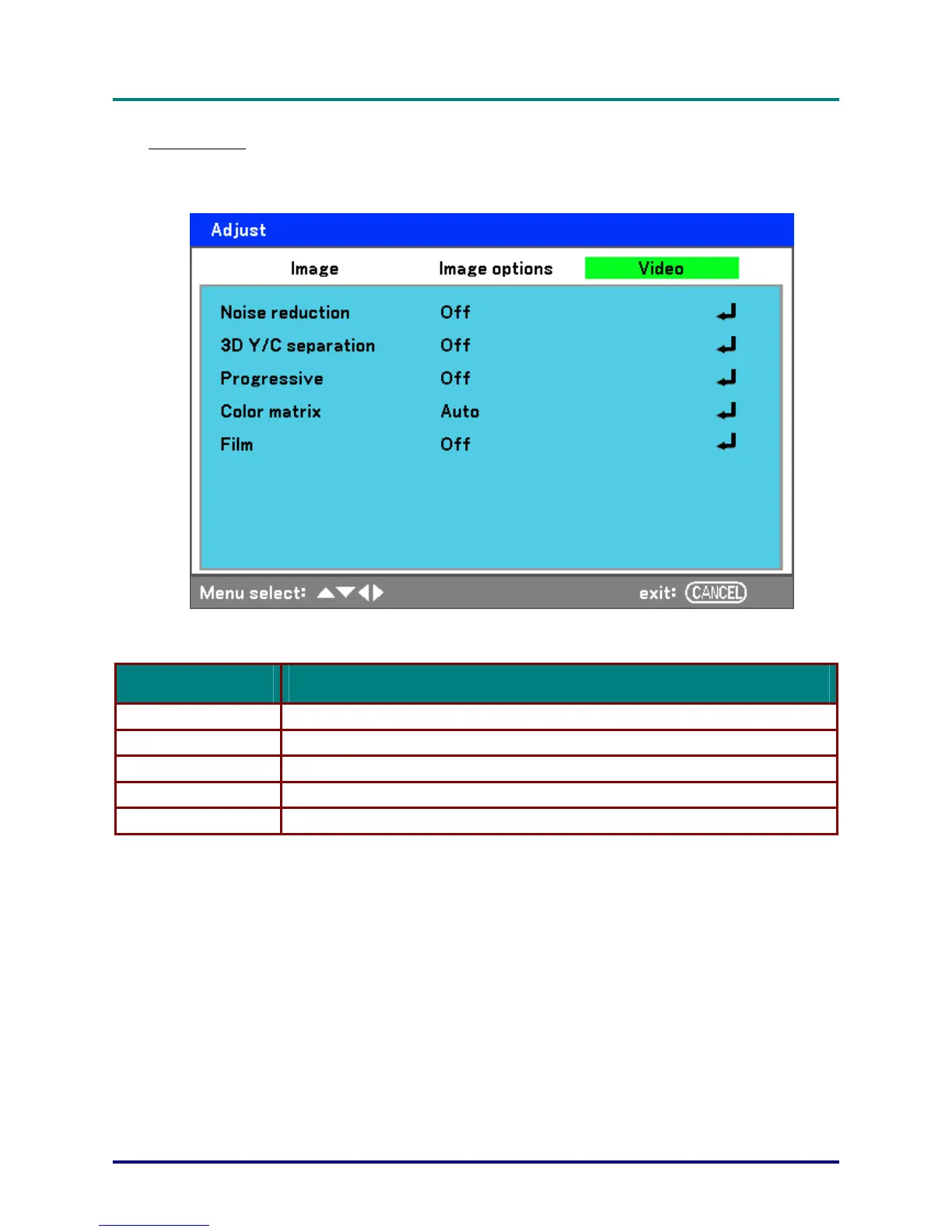
Video menu
The Video tab is used to configure image options such as film. Access the Video tab in the Adjust
menu.
The following table lists all functions with a description and the default setting. A detailed description
follows the table.
LABEL DESCRIPTION
Noise reduction Select Noise reduction mode (see page 53).
3D Y/C separation Select 3D Y/C separation mode (see page 53).
Progressive Select Progressive mode (see page 53).
Color matrix Select Color matrix mode (see page 54).
Film Select Film mode (see on page 54).
– 52 –



 To Next Page