D
D
D
L
L
L
P
P
P
P
P
P
r
r
r
o
o
o
j
j
j
e
e
e
c
c
c
t
t
t
o
o
o
r
r
r
–
–
–
U
U
U
s
s
s
e
e
e
r
r
r
’
’
’
s
s
s
M
M
M
a
a
a
n
n
n
u
u
u
a
a
a
l
l
l
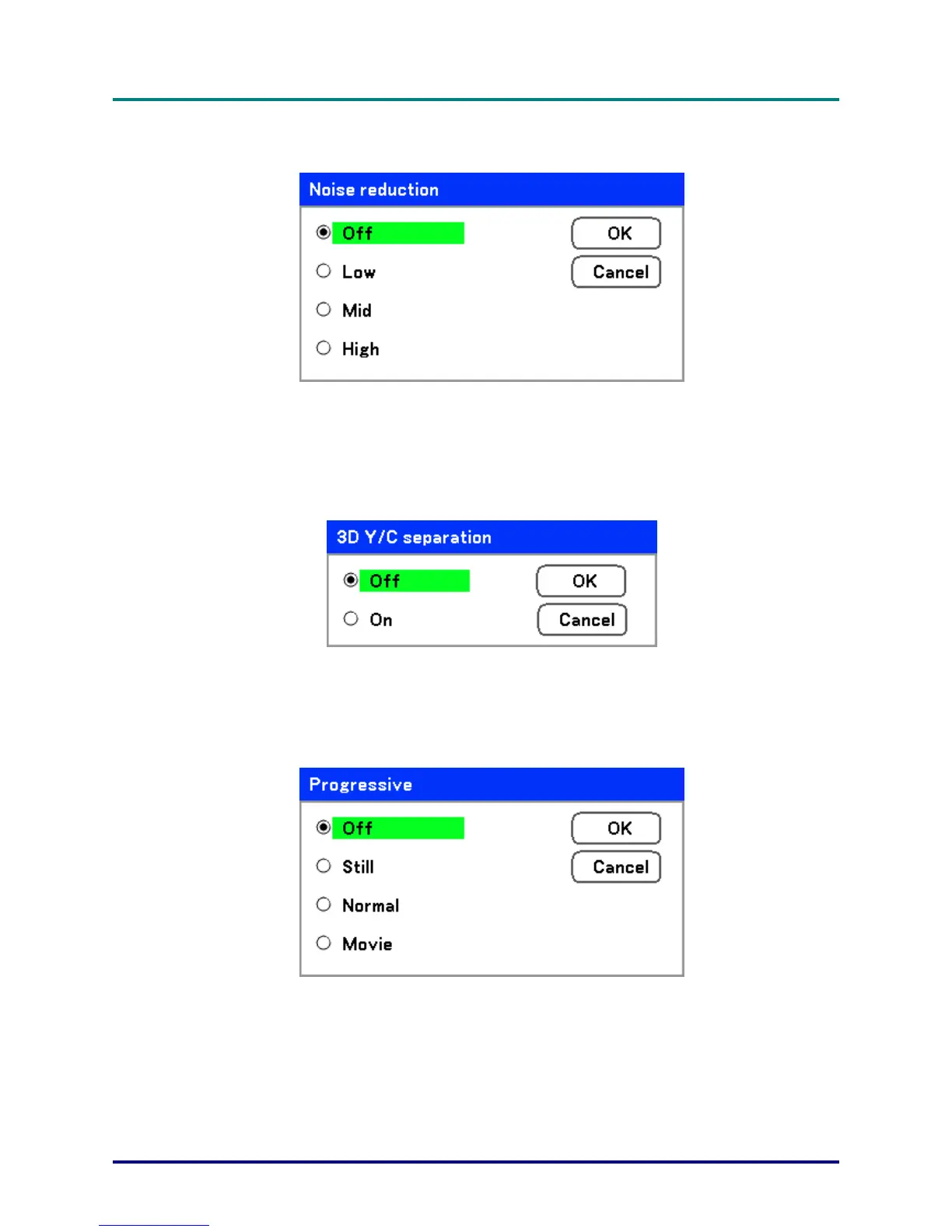
Noise reduction
Select the level of noise reduction required.
Range: Off, Low, Mid, High.
3D Y/C separation
3D Y/C Separation separates composite signal to Y (brightness) signal and C (color) signal, and can
help to produce clearer and sharper images without overlapping colors (rainbow effect).
Set 3D Y/C Separation On or Off.
Progressive
Progressive converts an interlaced image to a progressive scan image.
Select the form of Deinterlacing required from:
Still – Select for stills such as slide projections or screen shots.
Normal – Select Normal for non-specialized projection.
Movie – Select for movie projection.
– 53 –



 To Next Page