D
D
D
L
L
L
P
P
P
P
P
P
r
r
r
o
o
o
j
j
j
e
e
e
c
c
c
t
t
t
o
o
o
r
r
r
–
–
–
U
U
U
s
s
s
e
e
e
r
r
r
’
’
’
s
s
s
M
M
M
a
a
a
n
n
n
u
u
u
a
a
a
l
l
l
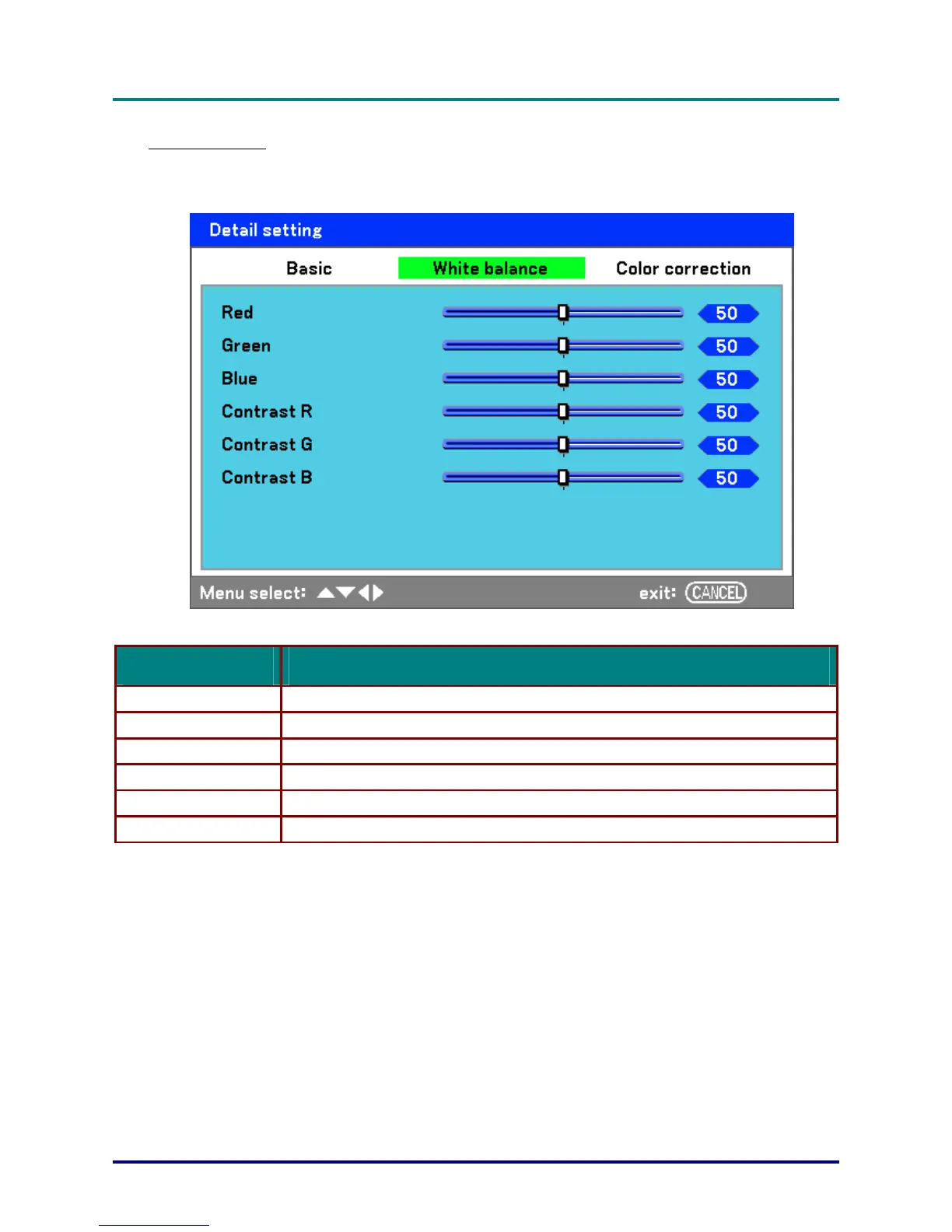
White balance
White Balance allows the projector to compensate for different colors of light being emitted by differ-
ent light sources.
The following table lists all functions with a brief description.
LABEL DESCRIPTION
Red Set the value to compensate for red light sources.
Green Set the value to compensate for green light sources.
Blue Set the value to compensate for blue light sources.
Contrast R Set the Contrast R value to compensate for red light sources.
Contrast G Set the Contrast G value to compensate for green light sources.
Contrast B Set the Contrast B value to compensate for blue light sources.
– 57 –



 To Next Page