D
D
D
L
L
L
P
P
P
P
P
P
r
r
r
o
o
o
j
j
j
e
e
e
c
c
c
t
t
t
o
o
o
r
r
r
—
—
—
U
U
U
s
s
s
e
e
e
r
r
r
’
’
’
s
s
s
M
M
M
a
a
a
n
n
n
u
u
u
a
a
a
l
l
l
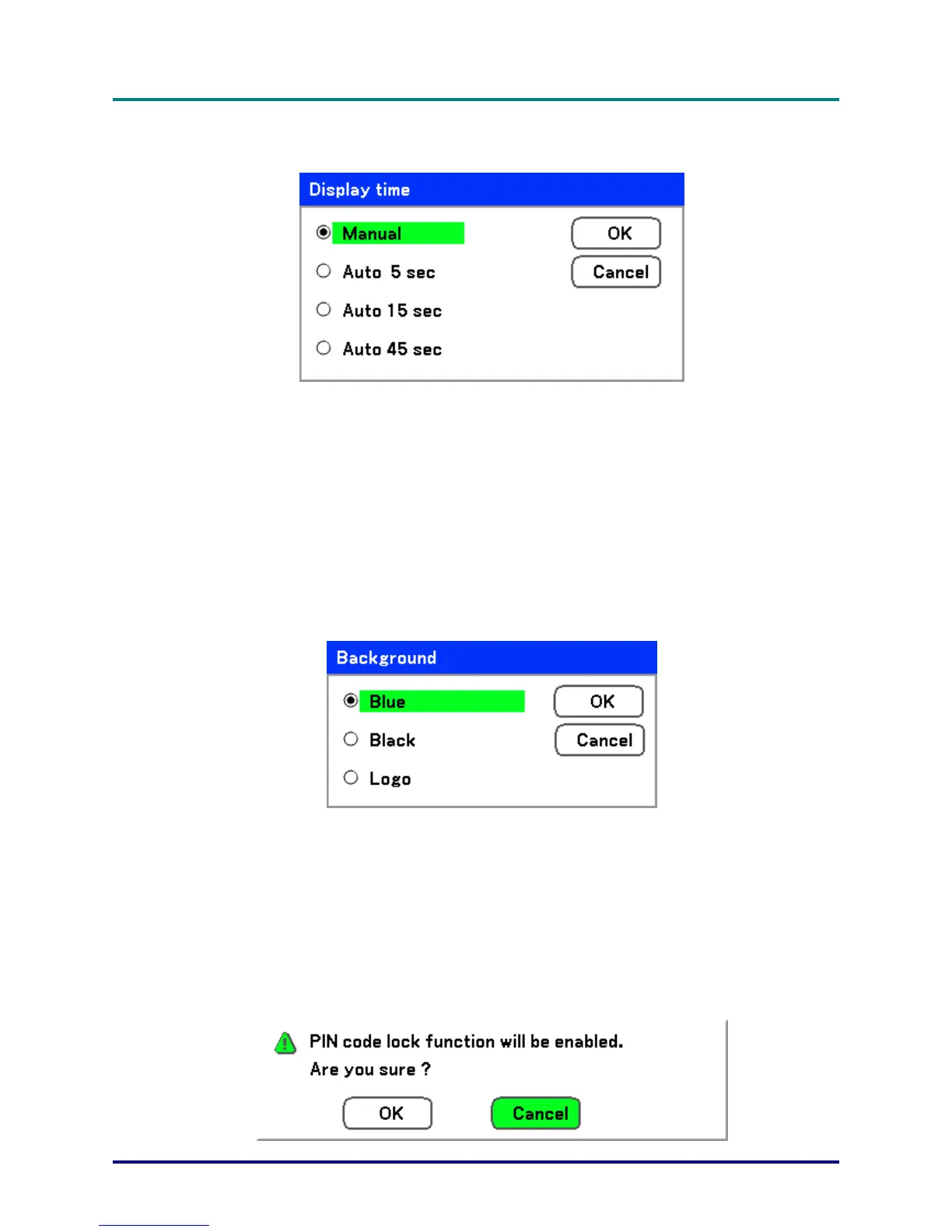
Display time
Sets the amount of time a menu is displayed.
Select from the following:
Manual – Menus stay on screen until the Menu button is pressed again.
Auto 5 secs—Menu is displayed for 5 seconds.
Auto 15 secs – Menu is displayed for 15 seconds.
Auto 45 secs – Menu is displayed for 45 seconds.
Background
Background enables you to display a blue/black screen when there is no signal. The default back-
ground is blue.
Select from the following:
Blue
Black
Logo
PIN Code Lock
See Preventing the Unauthorized Use of the Projector on page 40.
– 64 –



 To Next Page