D
D
D
L
L
L
P
P
P
P
P
P
r
r
r
o
o
o
j
j
j
e
e
e
c
c
c
t
t
t
o
o
o
r
r
r
—
—
—
U
U
U
s
s
s
e
e
e
r
r
r
’
’
’
s
s
s
M
M
M
a
a
a
n
n
n
u
u
u
a
a
a
l
l
l
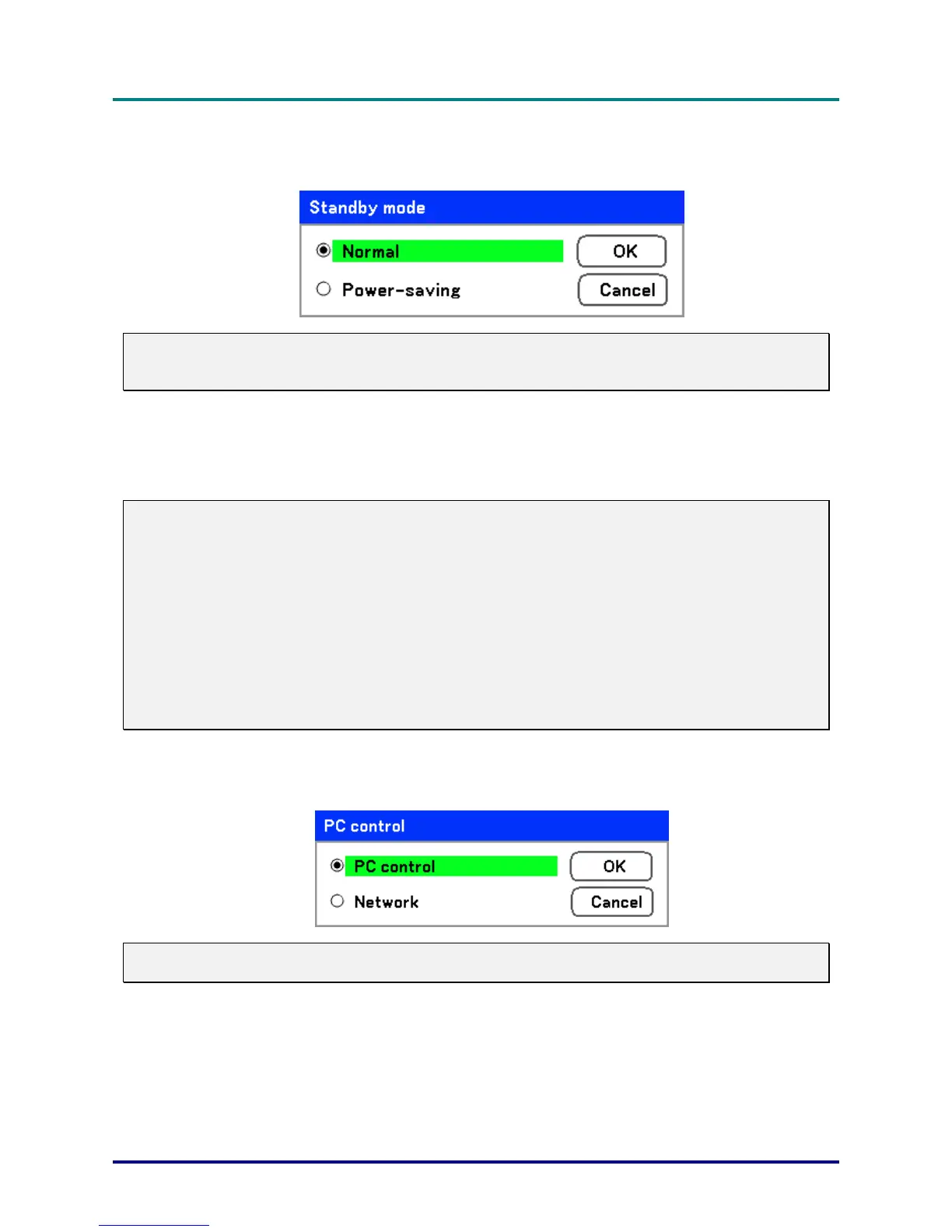
Standby mode
There are two standby modes available: Normal and Power-saving. Power-saving mode allows you
to put the projector in the standby condition to consume less power than Normal.
Note:
Be sure to connect the projector and computer while the projector is in standby mode and before
turning on the computer.
Select from the following:
Normal
Power-saving
Note:
The HTTP server functions are not available during Power-saving mode.
The MONITOR OUT function is not available during Power-saving mode.
Control through the PC Control connector and Network mode is not available during Power-saving
mode. For PC control and Network mode of the projector it is recommended to leave the projector in
the Normal mode.
Normal mode: POWER indicator: Orange light
WARNING indicator: Green light
Power-saving mode: POWER indicator: Orange light
WARNING indicator: Off
PC control
This function enables you to select the path for PC control (see PC Control Codes and Cable Con-
nections on page 95).
Note:
In the Network mode, Communication Speed function is not available.
Select from the following:
PC control
Network
– 66 –



 To Next Page