D
D
D
L
L
L
P
P
P
P
P
P
r
r
r
o
o
o
j
j
j
e
e
e
c
c
c
t
t
t
o
o
o
r
r
r
—
—
—
U
U
U
s
s
s
e
e
e
r
r
r
’
’
’
s
s
s
M
M
M
a
a
a
n
n
n
u
u
u
a
a
a
l
l
l
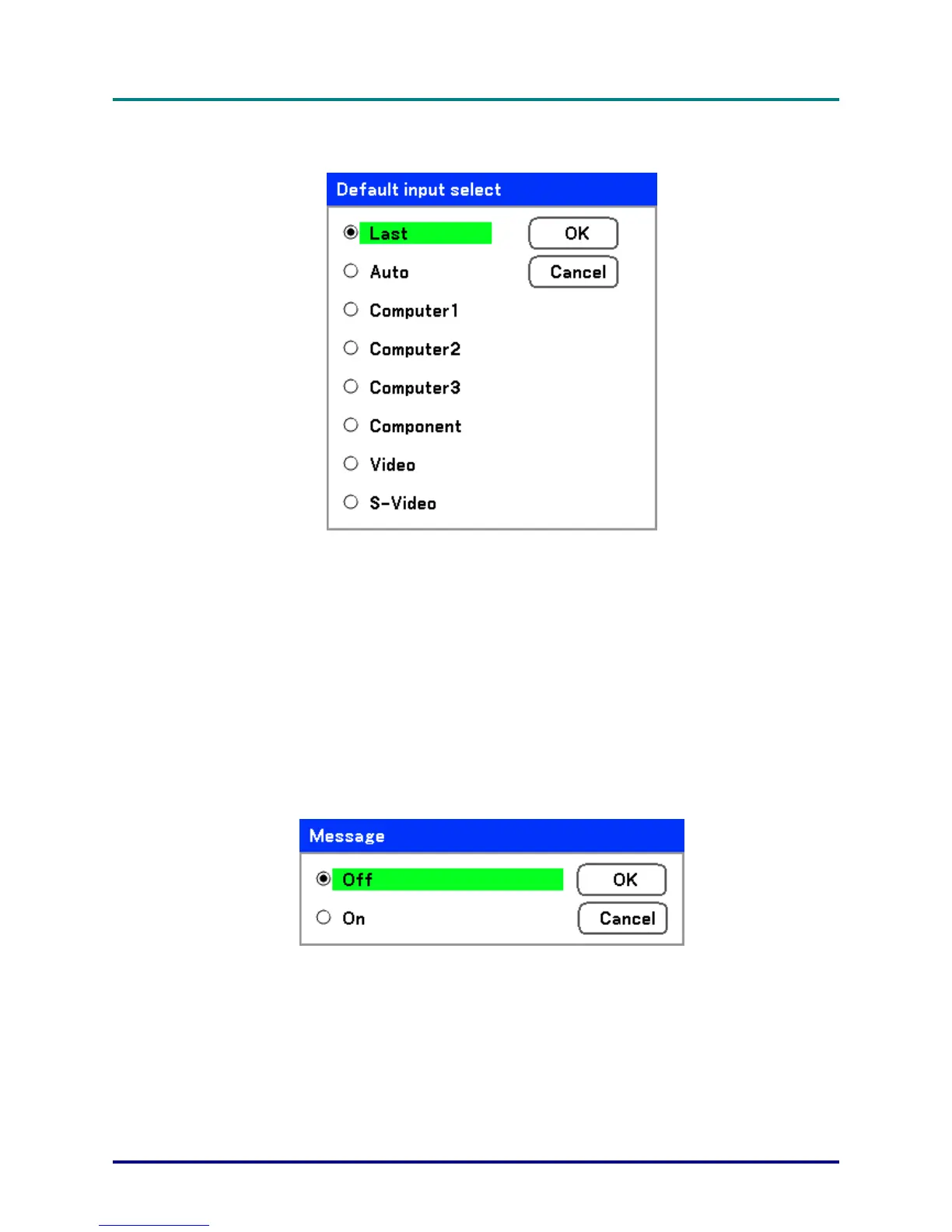
Default input select
The Default input is the image source that the projector will search for automatically on startup.
Last – Uses the most recently used image source.
Auto – Auto detects the default image source.
Computer1/2/3 – Uses Computer1, 2 or 3 as the default image source.
Component – Uses last component as the default image source.
Video – Uses last video input as default image source.
S-Video – Uses last S-video input as default image source.
Message
This option turns on or off messages. Even though selecting [Off], the following message will appear.
“Projector is locked” when the projector security is unlocked, the message will disappear.
– 70 –



 To Next Page