VIVOTEK - Built with Reliability
100 - User's Manual
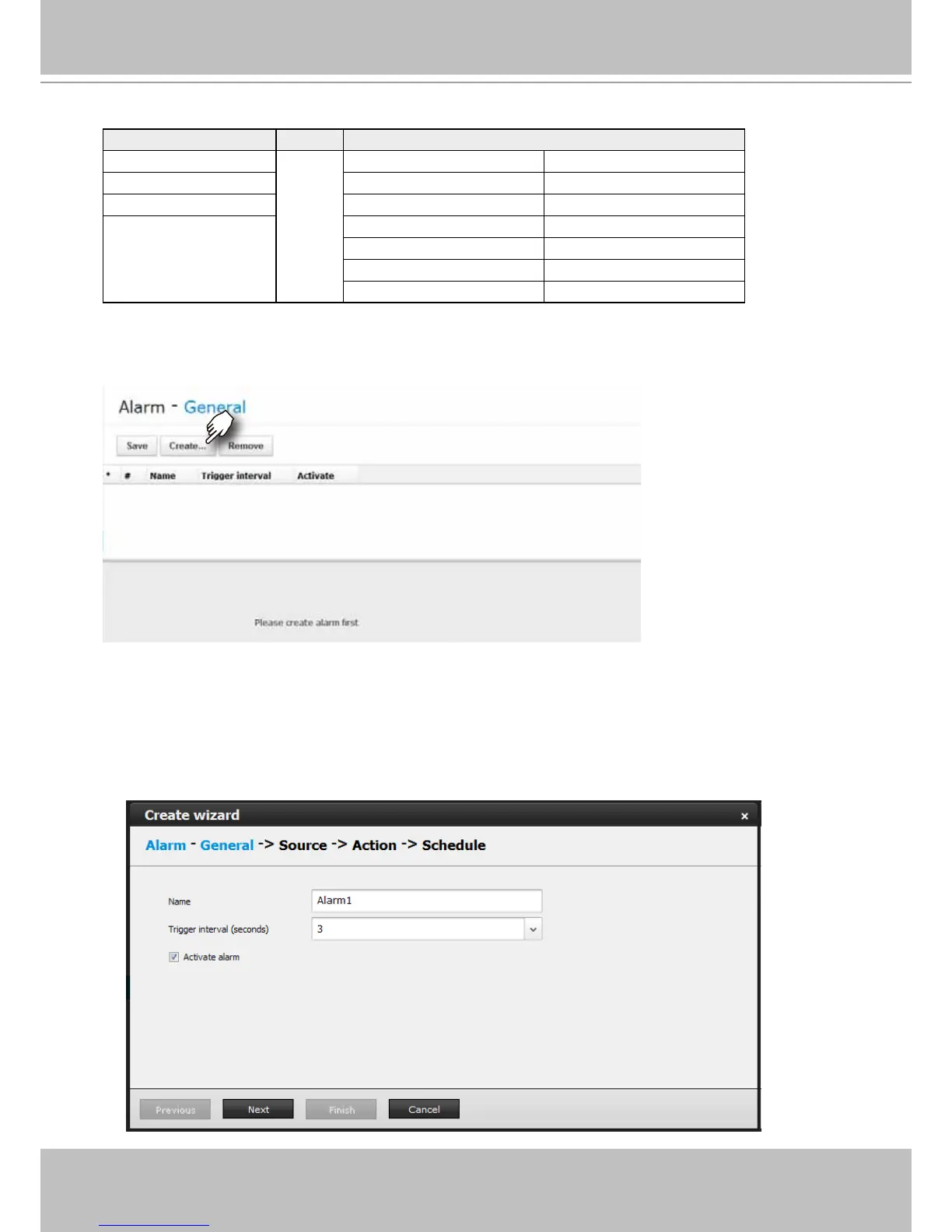
2. The Create Alarm wizard window will prompt. You can manually enter a name for the current
setting. You can enter up to 16 numeric or alphabetic characters for the name, including
symbols such as [0-9][a-z][A-Z][_][ ]. You can also designate the interval between one alarm
and the next triggered alarm to avoid the situation that the alarms can be too frequently
triggered.
Below is a glimpse of alarm sources and alarm actions:
Sources Actions
DI ► Video recording ►video footage
DO Email ►snapshots
Motion detection Buzzer
FTP ►snapshots
HTTP ►messages
Camera preset points
Camera/NVR DO
To create an alarm,
1. Click on the Create... button.



 To Next Page