VIVOTEK - Built with Reliability
58 - User's Manual
3-1. System
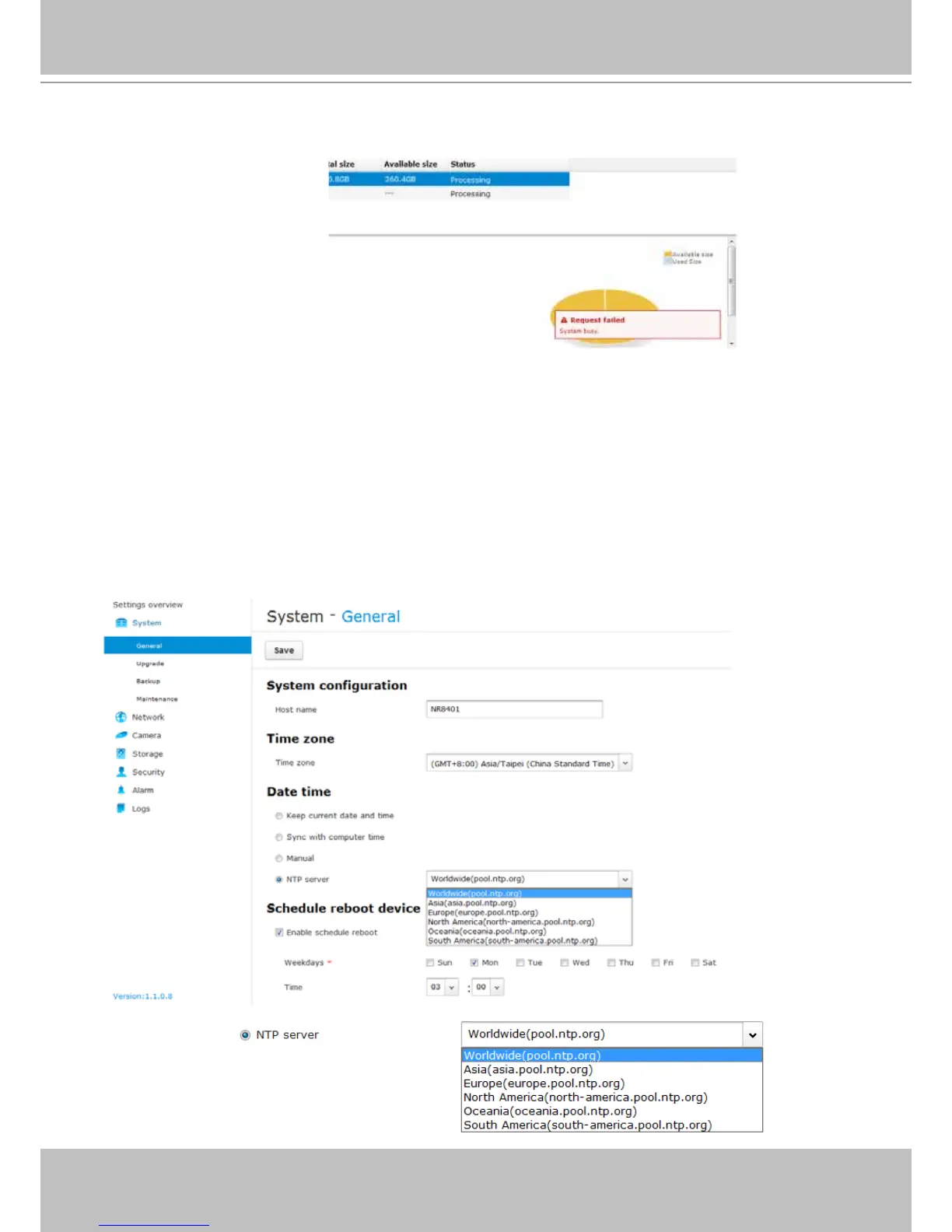
The system general information window allows you to change the system host name, time zone,
system date and time, and set up a scheduled reboot of the system.
Note that if NTP time server conguration is preferred, you should congure all of your cameras
to listen to the same time server as those shown in the pull-down menu. You need to congure
camera settings over a web console, and set up the same conguration in the System >
General settings > System time page. The precondition is that the system must have access
to the Internet.
3-1-1. System - General
Pnotify - During the conguration process, conguration errors or information will be indicated
by a small pnotify message boxes on the lower right of the screen.



 To Next Page