VIVOTEK - Built with Reliability
User's Manual - 93
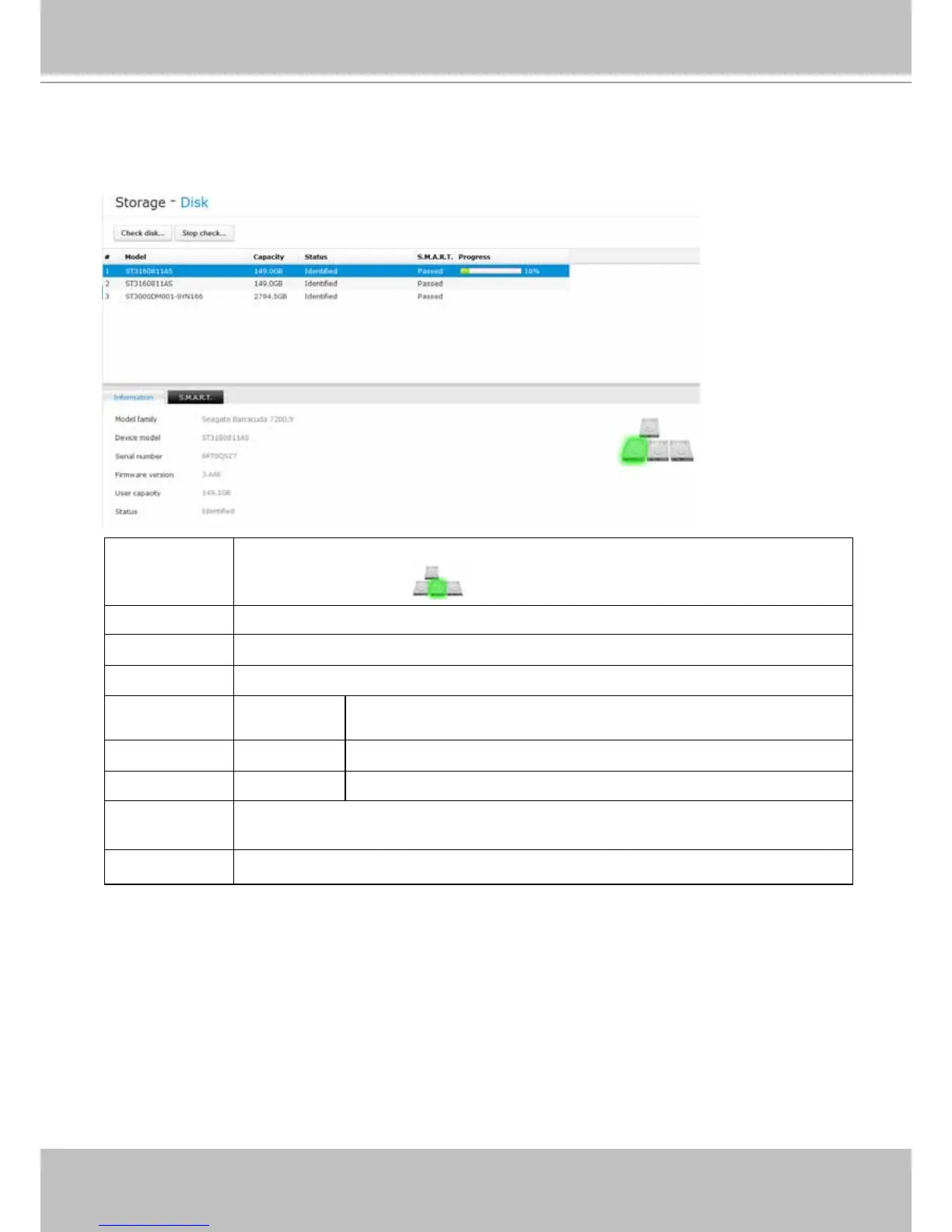
The Disk window provides access to physical disk information, disk physical location, disk
health, polling for S.M.A.R.T. statuses, and bad block check.
3-4-2. Storage - Disk
(#) numbered: Disk index. This is determined by their loations in the chassis as shown by the
disk location graphics
on the lower right of the screen.
Model: Disk model name.
Capacity: Disk capacity in Gigabytes.
Status: Disk operating status. Can be stated as:
Connected: Disk is properly installed, but not yet congured into storage
volume.
Identied: The storage volume this disk belongs to is operating normally.
Corrupted: Disk is faulty.
S.M.A.R.T.:
S.M.A.R.T. status polled from the disk drive. This is not the results from a
manually-executed S.M.A.R.T. test.
Progress: This shows the progress of drive S.M.A.R.T. test or bad block scan.



 To Next Page