VIVOTEK - Built with Reliability
52 - User's Manual
2-3-4. Playback View Cells
The view cells in Liveview and Playback windows are similar. Their differences are listed as
follows:
1. 3 simple layout types are supported as previously discussed.
2. The information bar displays camera index and video time information only.
3. The Play and Pause buttons are not available on the Tool bar. One Export function is added
on a Playback view cell.
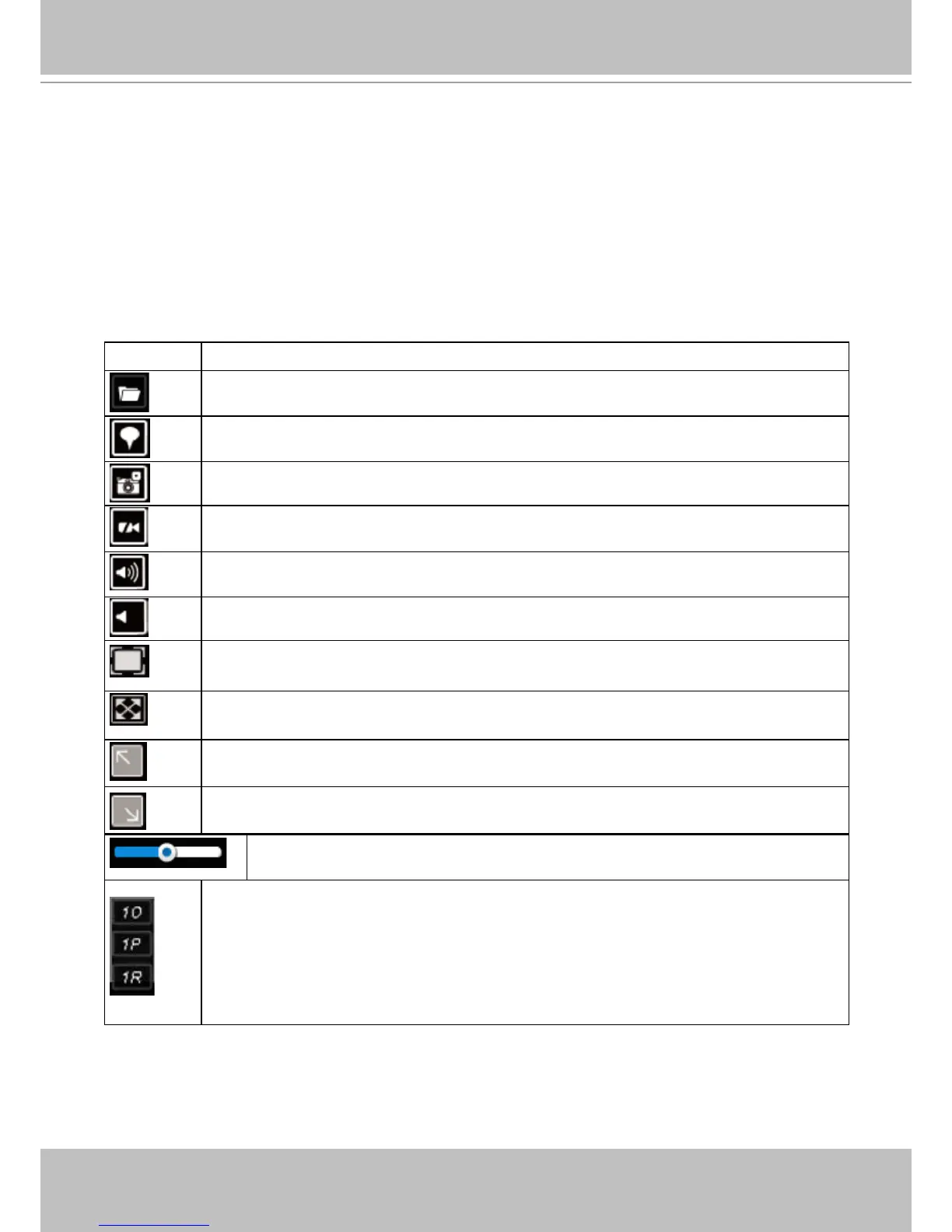
The functional buttons on an individual view cell are descrbed as follows:
Buttons Description
Exports a section of the video into a 3GP or Windows exe le. The length of
exported video is congurable to 1, 3, 5, or 10 minutes.
Adds a Bookmark (that saves a short description and a one-minute footage from
the current feed)
Takes a snapshot.
Removes camera from the view cell.
Mutes (if there is audio input from the camera.)
Unmutes
Restores the view cell's original position on the liveview panel.
Maximizes the size of current view cell.
Activates the PiP function.
Disables digital zoom (PiP).
Volume controller
Fisheye viewing modes - if the view cell contains video from a sheye camera, the
sheye display mode selector will be available:
1O: the orginal circular view.
1P: the panoramic view.
1R: the regional view.
Please refer to the sheye camera's User Manual for more information.



 To Next Page