VIVOTEK - Built with Reliability
User's Manual - 67
3-2. Network
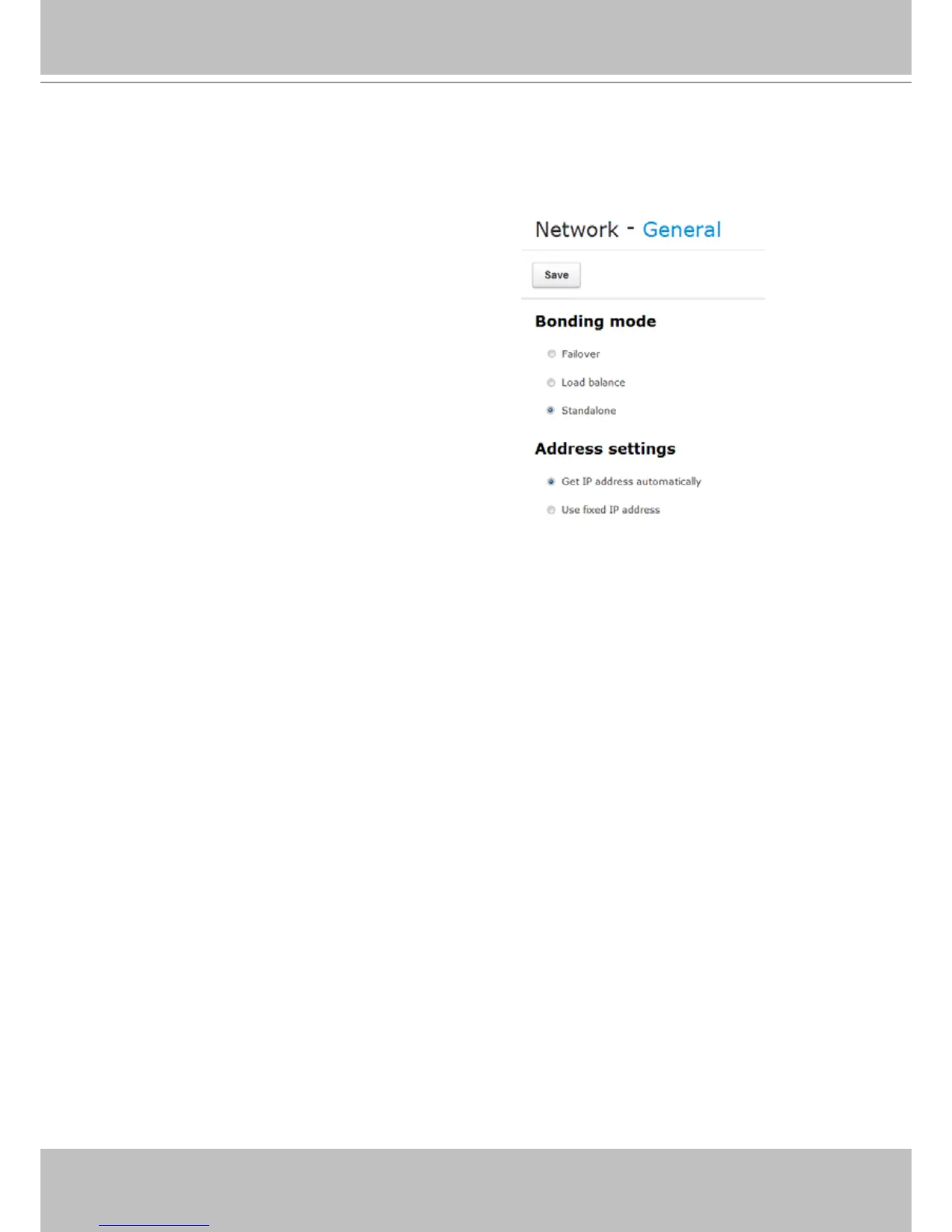
Two major conguration options are available here: Bonding mode and Address settings.
3-2-1. Network - General
1-1. Failover - failover provides the capability to transfer network trafc through the
surviving LAN port if any of the two LAN ports is disconnected.
1-2. Load balance - Based on 802.3ad, Load balance enables two LAN ports to share the
load of network trafc. Non-layer 3 trafc, such as Multicast/boardcast requests will
be transmitted via one of the LAN ports. To best utilize this feature, you should use
a managed Gigabit Ethernet switch and have its 802.3ad link aggregation feature
enabled on the corresponding ports.
1-3. Standalone - When selected, different IPs will be assigned for each LAN port. The
NVR can be accessed via different subnets.
You may connect these ports to different subnets. For example, LAN1 to a router and
have the access to the Internet; and LAN2 to a private subnet. In this case, however,
you should appoint LAN1 as the default routing interface, so that Internet access is
available for DDNS settings or remote access.
1. Bonding mode:
Make sure both of your LAN ports are connected to
network, and select one of the checkboxes below:
By default, the system network interfaces come in the
Standalone mode.



 To Next Page