VIVOTEK - Built with Reliability
132 - User's Manual
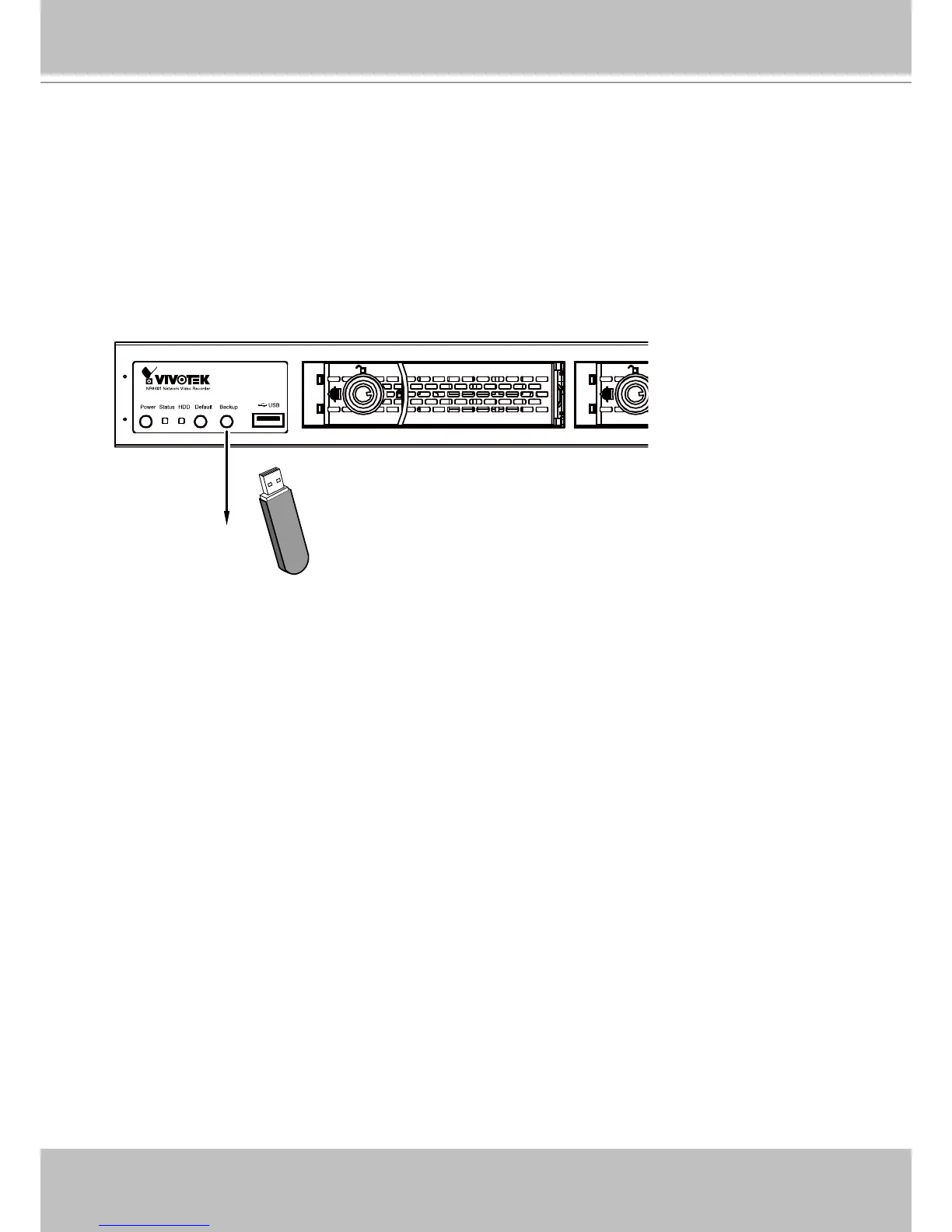
The Backup function saves a replica of your system conguration prole to a USB drive. Once
the USB is inserted, you should be able to hear two beeps, indicating the NVR has recognized
the presence of the USB drive. You can then press the Backup button. The status LED will ash
orange for 2 seconds, and the conguration backup is written to the USB drive.
You should then remove the USB drive.
4-3. Other Functions - Using the Backup Button
The Backup function supports USB devices formatted in FAT32 or all other FAT le format.
Backup
To restore from a previous backed-up le, insert the USB drive with a previously-saved prole.
Press the Backup button for 4 to 5 seconds, and then wait for the system to reset itself. The
process should take 3 or 4 minutes.



 To Next Page