VIVOTEK - Built with Reliability
34 - User's Manual
2-2-5. View Cell panel
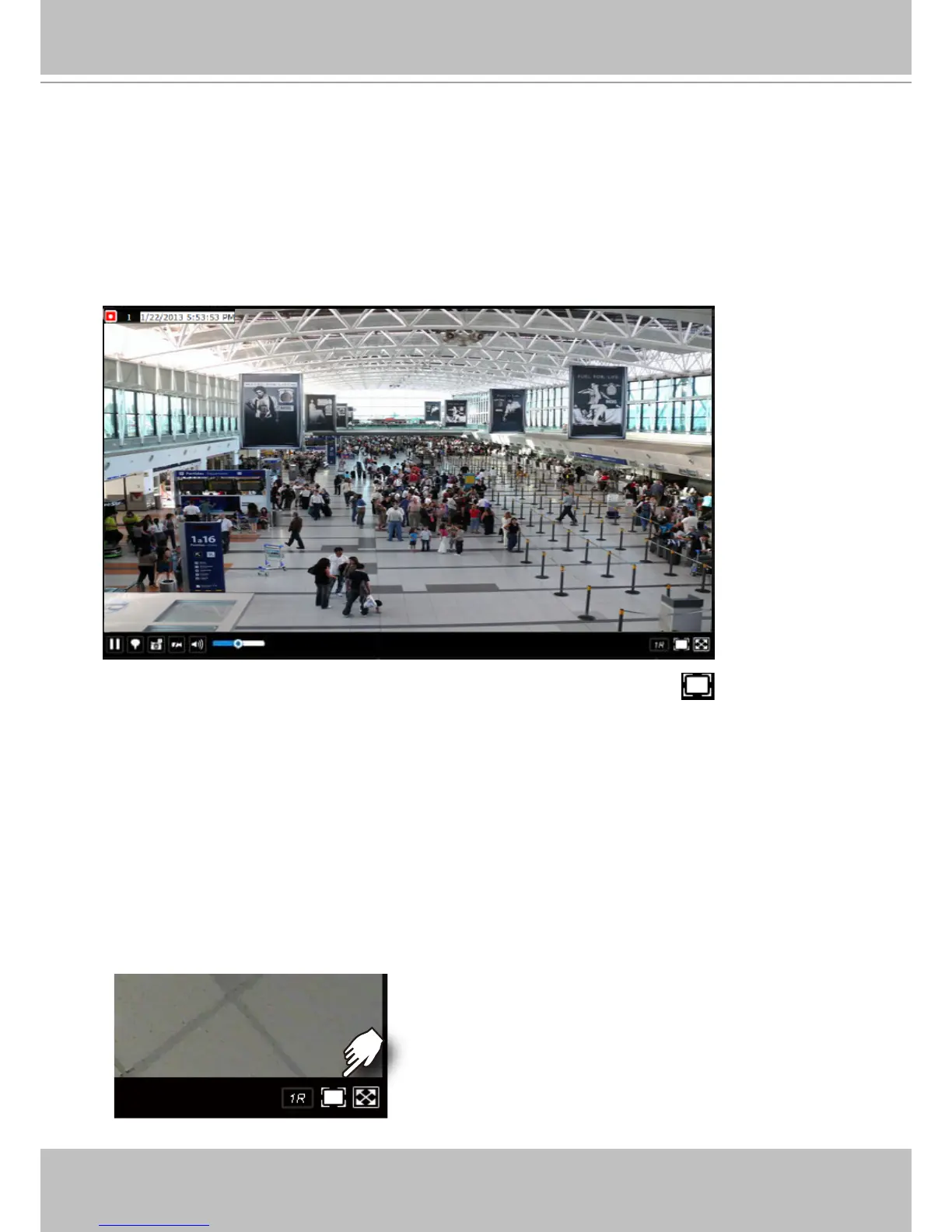
A single view cell is shown below. Each view cell contains a video stream display area, an
information bar, and functional buttons at the bottom. A view cell is displayed in Normal,
Focused, or Maximized mode.
1. A single click selects a view cell from the View Cell panel, enables its function buttons, and
turn it into the Focused mode.
2. The 2nd click maximizes the size of the view cell to the full of the panel.
3. The 3rd click shrinks the maximized view back into the focused mode.
To deselect a view cell and return to the normal view, click on the Restore button at the
lower right of the window.
Adding Cameras to View Cells
1. Click and drag a camera from the camera list to an unoccupied view cell.
2. Double-click a camera on the camera list. The camera will be added to the rst unoccupied
view cell.
To deselect a view cell and return to the normal view, click on the Restore button at the lower
right of the window. You can also click on another view cell to continue adding other cameras.



 To Next Page