VIVOTEK - Built with Reliability
User's Manual - 35
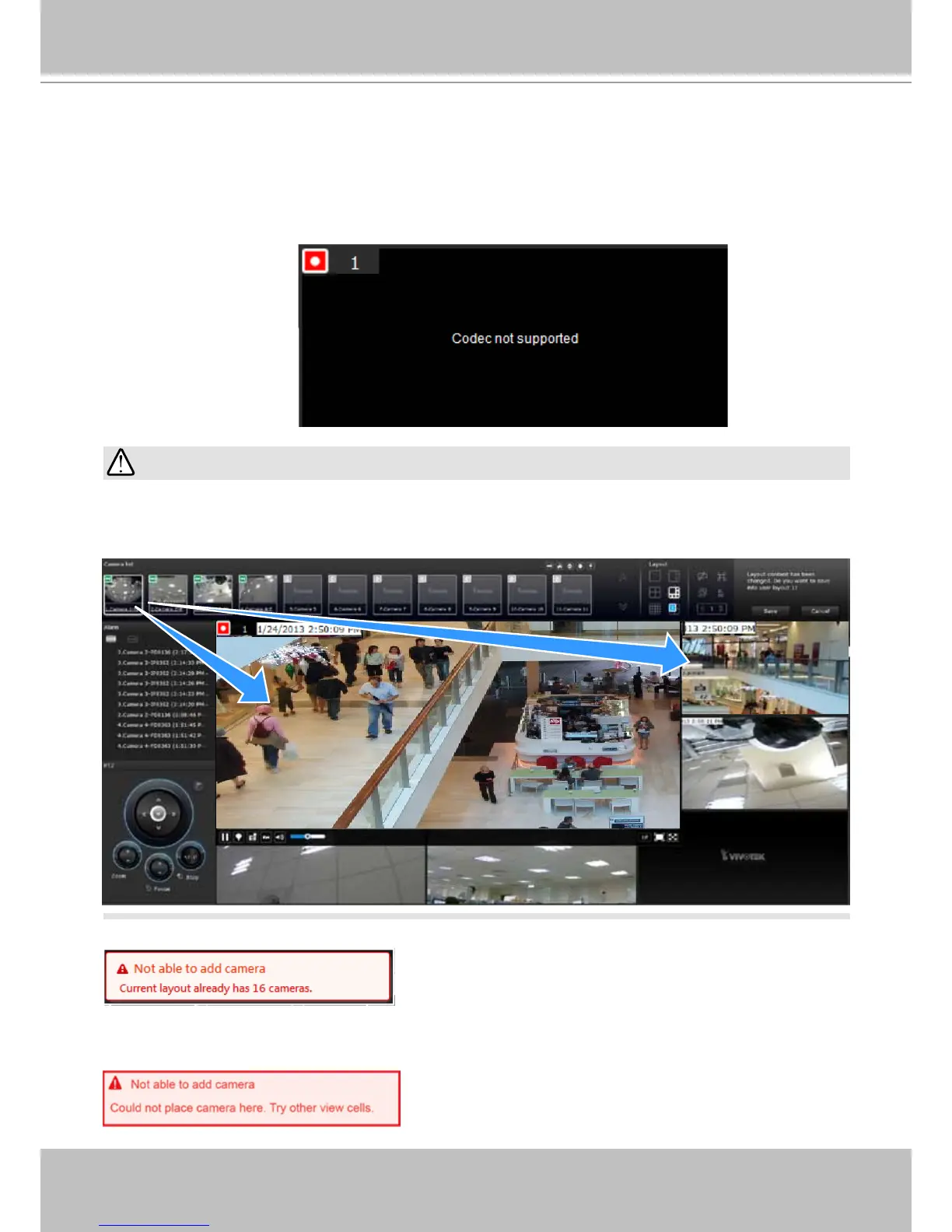
A camera can be inserted into multiple view cells. This way, a camera with a wide eld of view,
such as a sheye camera, can simultaneously display different regions of interest in different
view cells.
IMPORTANT:
If the current layout already contain 16 cameras, the following message will prompt.
There can be more than 16 view cells across multiple layout pages, e.g., on the third page of the
1+5 layout. Placing a camera in the 17th or 18th view cell will bring out the following message.
A view cell attempting to connect to a network camera will look like this. If the connection
attempt takes a long time, it may result from network problems or incorrect conguration with
video streaming. For example, you may have congured the camera to be streaming channel #2
using the MJPEG mode, which is not supported by the system. The NVR uses video stream #1
for recording, and stream #2 from cameras for live viewing. You should then open an individual
web console with the network camera to change its video streaming conguration.



 To Next Page