VIVOTEK - Built with Reliability
User's Manual - 13
Initial Conguration
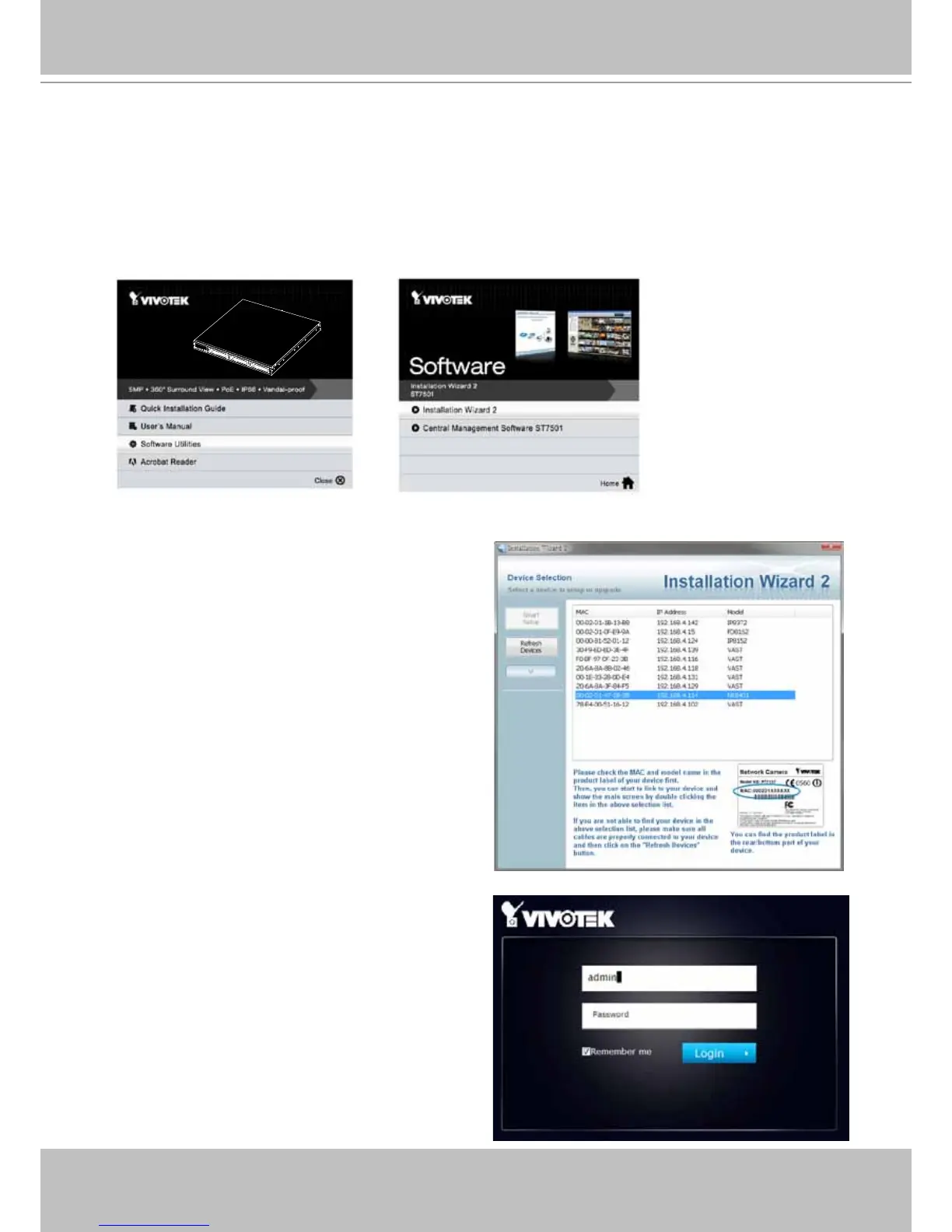
2. From a management computer, install the IW2 utility software included in the product CD.
Follow the onscreen instructions to complete the installation.
3. Start the IW2 utility. The IW2 utility will discover the NR8401 located in the same subnet.
1. Press the power switch on the rear panel to the ON (I) position. The NVR should start
immediately. To start the system again after the initial conguration, use the front panel power
button.
4. Double-click on the NR8401 entry to start a
web session with the NVR system.
5. The login page will prompt. Enter "admin"
and "admin" as user name and password for
access for the rst time. Click Login to begin
your conguration.



 To Next Page