VIVOTEK - Built with Reliability
User's Manual - 133
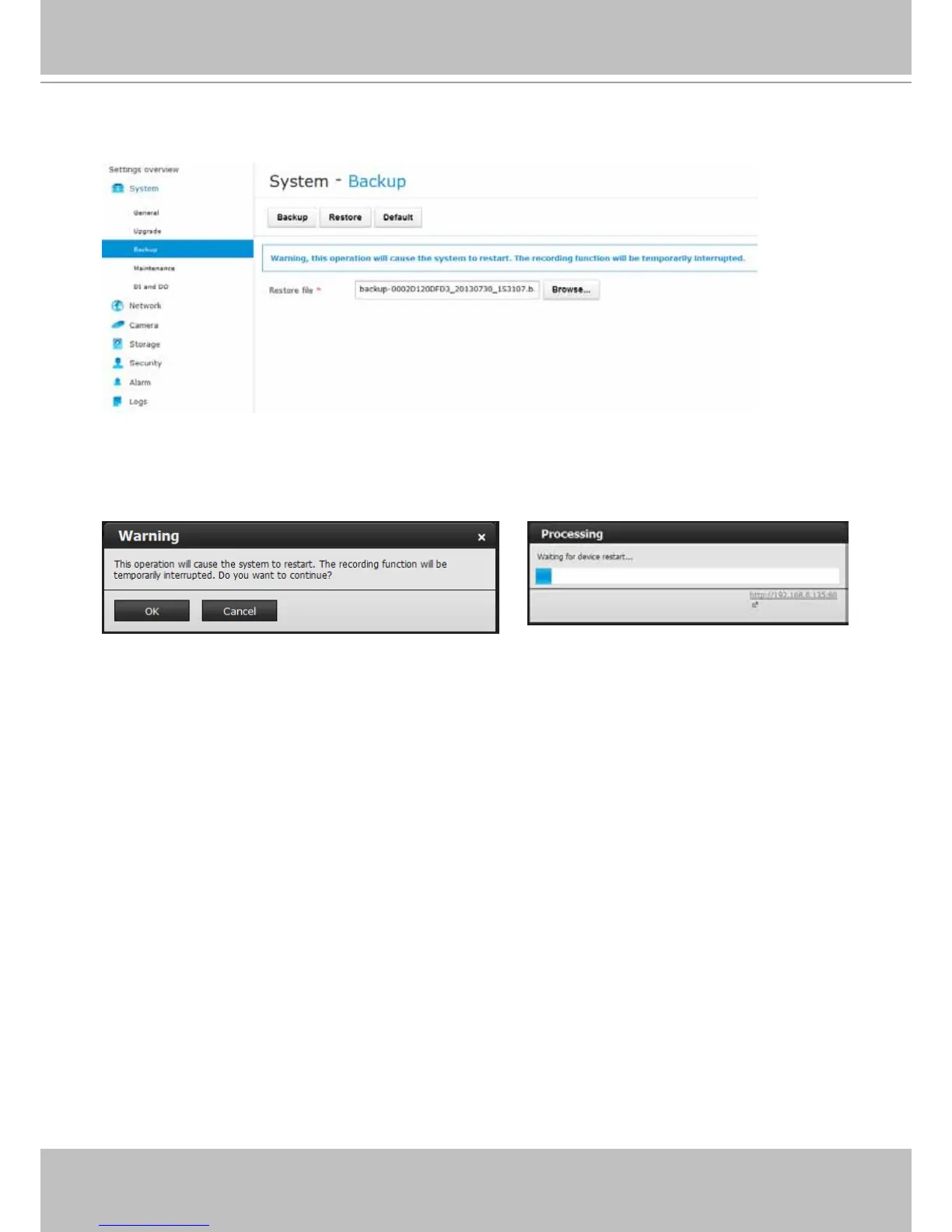
You can also restore from a previous backed-up le, in the System > Backup menu. Use the
Browse button to locate the backup le. Click the Restore button.
A warning message will prompt. The current recording operation will be temporarily interrupted
when restarting service. The process should take 3 or 4 minutes. After a reset, you system
conguration will be restored to the previous state.



 To Next Page