VIVOTEK - Built with Reliability
User's Manual - 25
Chapter Two Login and Getting Started
2-1. Login
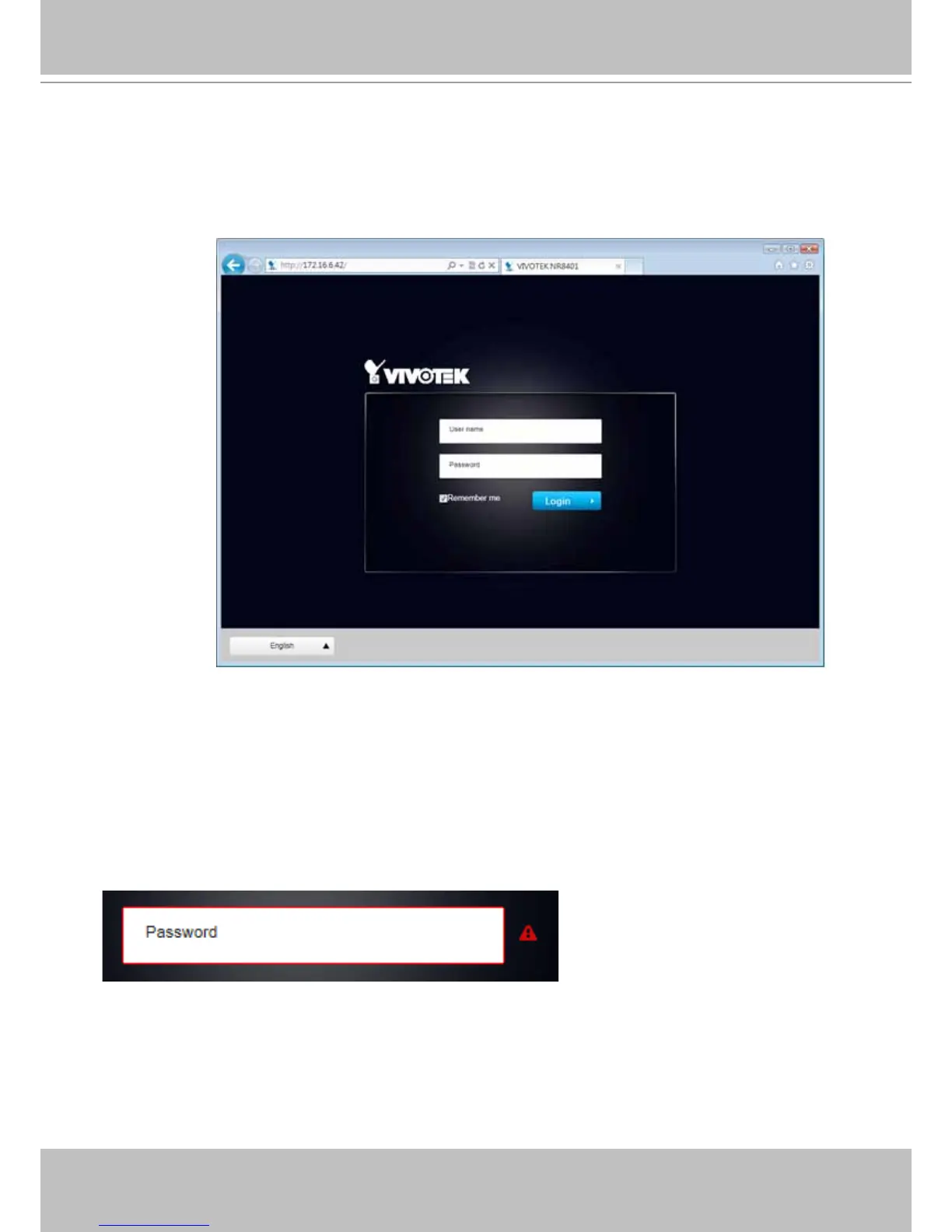
This is the login page on the browser. The minimum for resolution is 1280x960.
If you enable the IE7 compatible mode when using the IE8 browser, please disable the
compatibility function.
It is highly recommended that you should change the default user name and password. Please
refer to Settings > Security > User account page to see how to prevent unauthorized access.
The system will prompt you if you entered an incorrect user name or password.
Remember me: Your user name will be preserved in browser cookies for two days if you select
the Remember me checkbox. The user name will be automatically erased if you do not log in to
the system for two days.



 To Next Page