VIVOTEK - Built with Reliability
26 - User's Manual
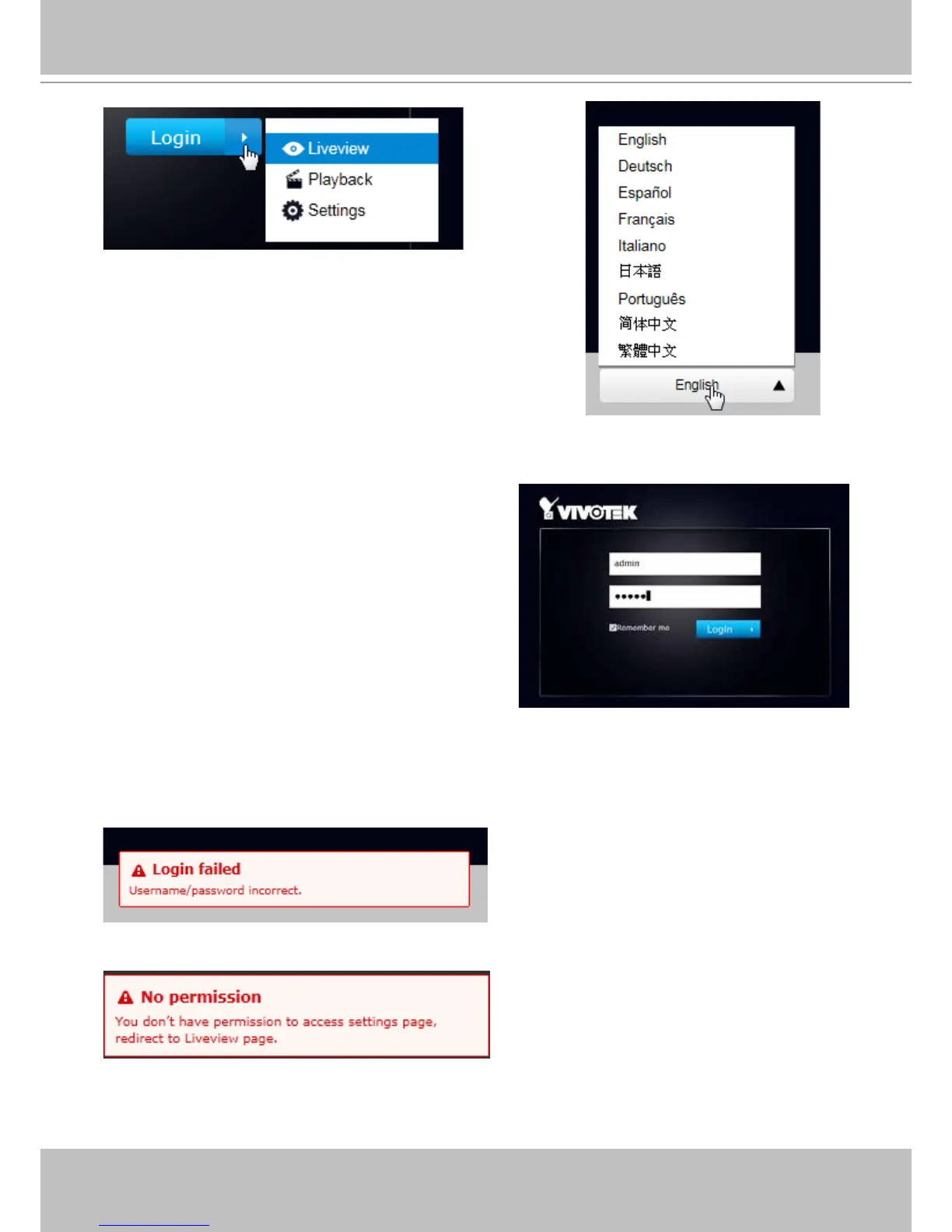
You may login to a different software utility by unfolding the
side panel on the Login button.
You can also select a different language using the
Multilingual selector menu on the lower left corner of the
Login screen. The functional items, menus, and dialogues
will then be displayed using the selected language.
Login errors: below are the login errors that might occur.
A Login failure can result from the incorrect user name and passwords.
The No permission error occurs when a user logs in using an authentication that has no access
rights to the Settings page. He will then be re-directed to the Liveview page.
Remember me:
Select the checkbox to save your user name for use
on the next login. The user name will be preserved
in browser cookies for two days. If you do not login
within the next two days, the user name will be
erased.



 To Next Page