VIVOTEK - Built with Reliability
User's Manual - 27
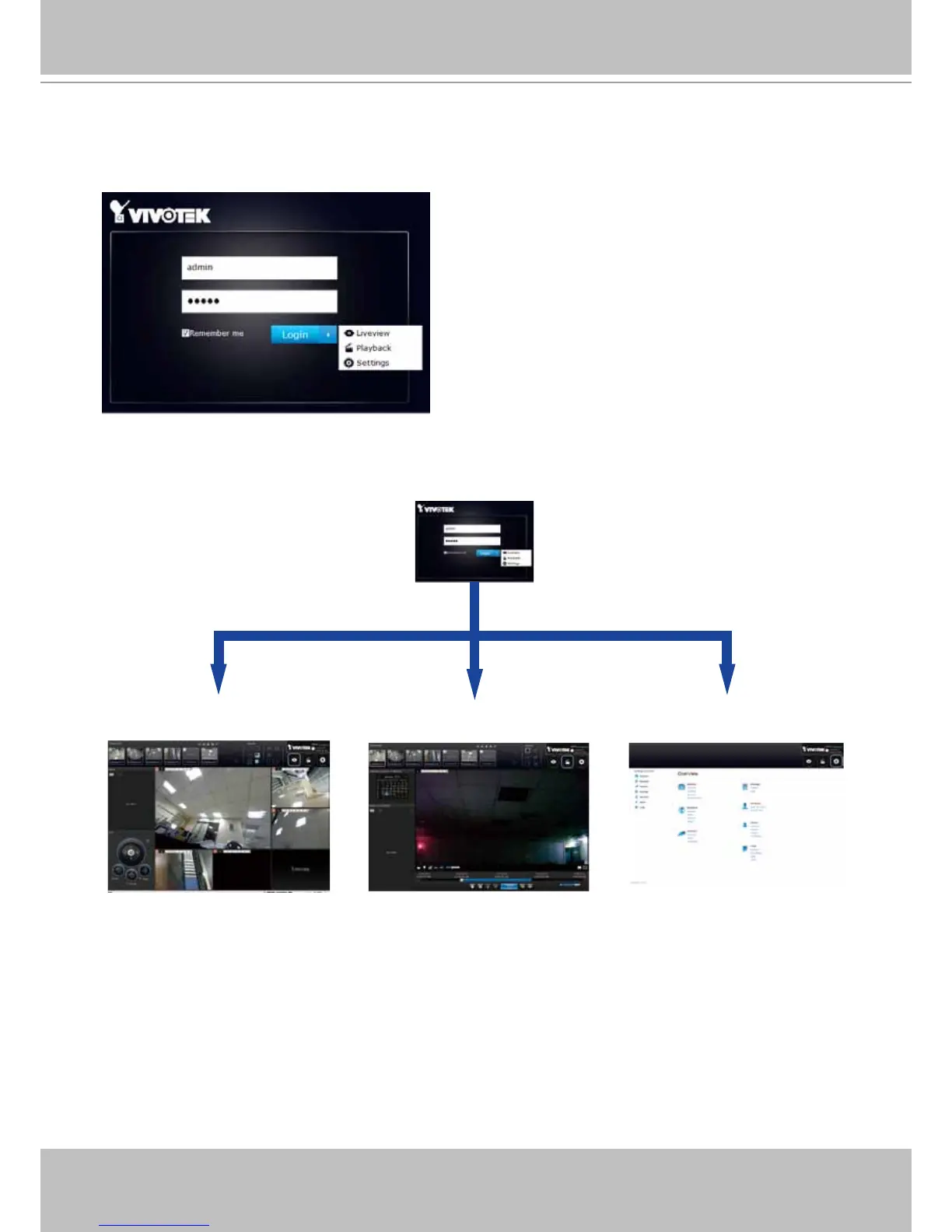
Login options:
You may also mouse over the Login button to display the login options. You can then enter the
Liveview, Playback, or Settings window.
Liveview Playback Settings
The NVR system features a very simple UI structure which consists of a Liveview window, a
Playback utility, and a system Settings window. Once logged in, you can move from one window
to another by selecting the hot link buttons on the upper right of the screen.



 To Next Page