VIVOTEK - Built with Reliability
92 - User's Manual
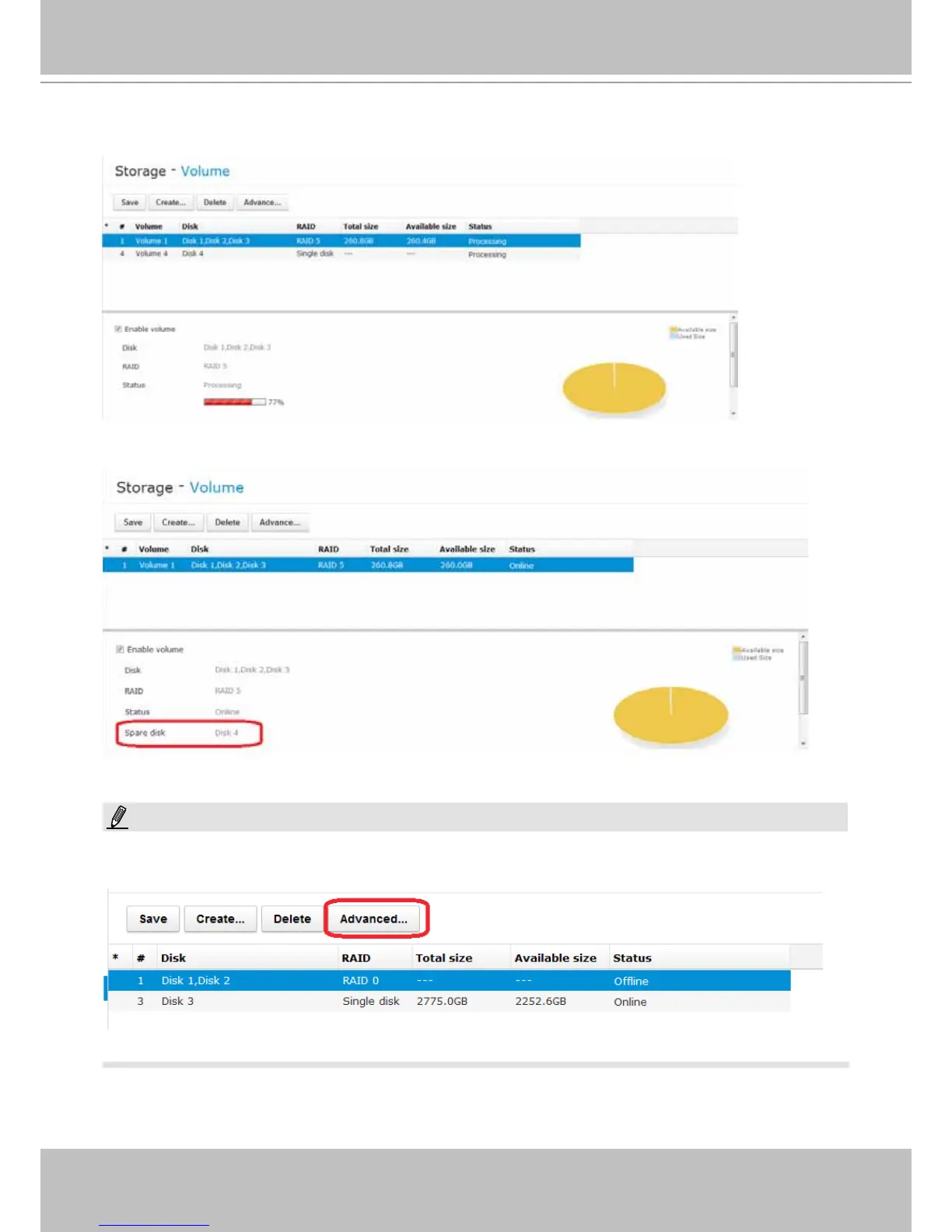
3. The Add Spare process will take 3 to 5 minutes to complete, and the progress is indicated in
the progress bar below.
4. On completion, Disk 4 will be listed as a hot spare in the storage volume information.
Since RAID0 has no data protection, if a RAID0 volume has a failed member, the Advanced..
button will not be functional.
NOTE:



 To Next Page