VIVOTEK - Built with Reliability
User's Manual - 117
If users were created and some cameras are excluded from their access, a user may log in
and see the locked-on cells as shown below:
A user who has limited access rights may still re-arrange the layout of view cells. However,
his conguration change will not be saved after he leaves the current console.
1R View
(Single Regional View)
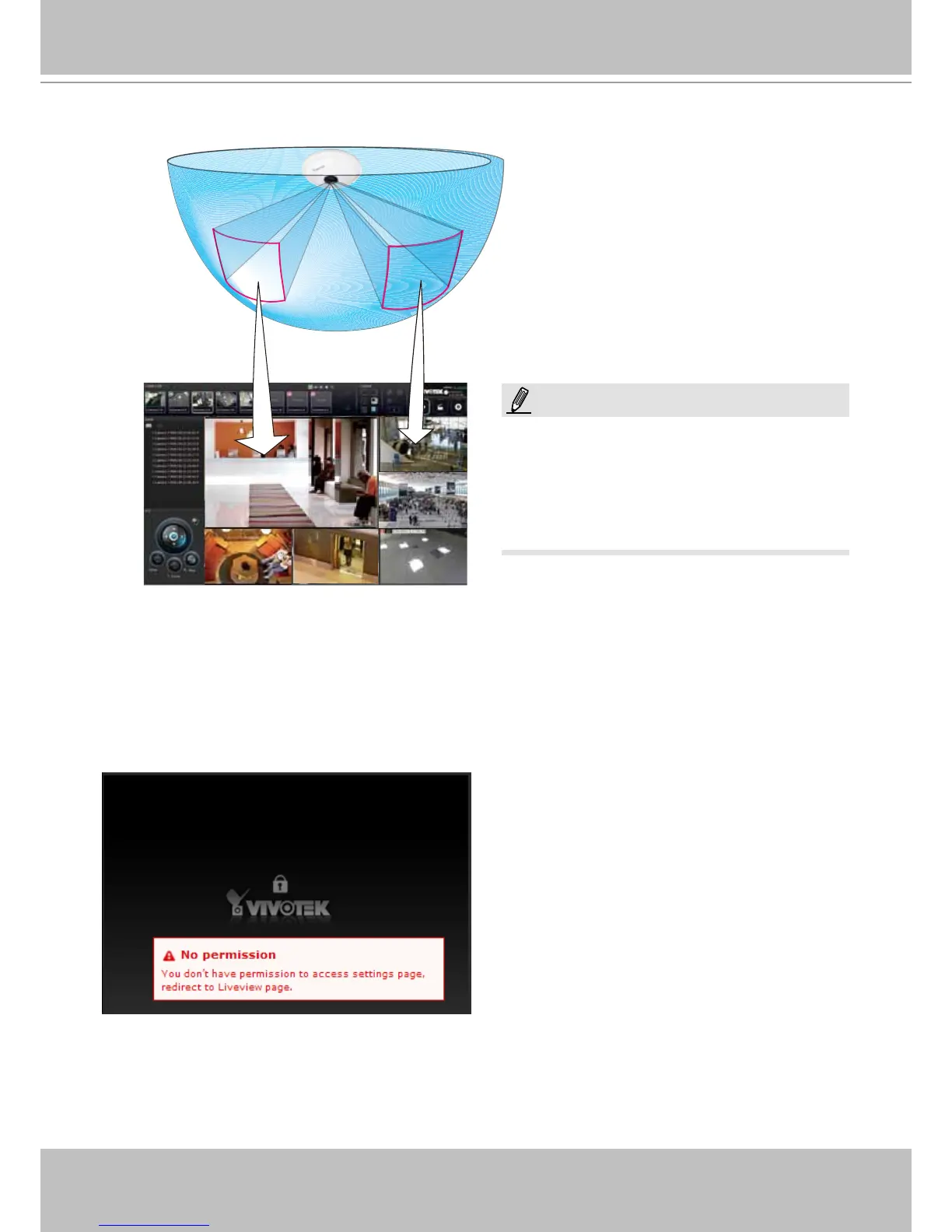
Placing different regional views of a sheye camera into view cells will look like this:
In addition to sheye cameras, if a camera has a wide eld of view, you may also display its
different elds of view in multiple view cells. Some view cell may also contain a PiP view that is
digitally zoomed.
Only an administrator can alter the display
modes of sheye cameras. Although ordinary
users can make changes to a regional view,
his changes will not be preserved after a
console is re-started.
NOTE:



 To Next Page