VIVOTEK - Built with Reliability
User's Manual - 129
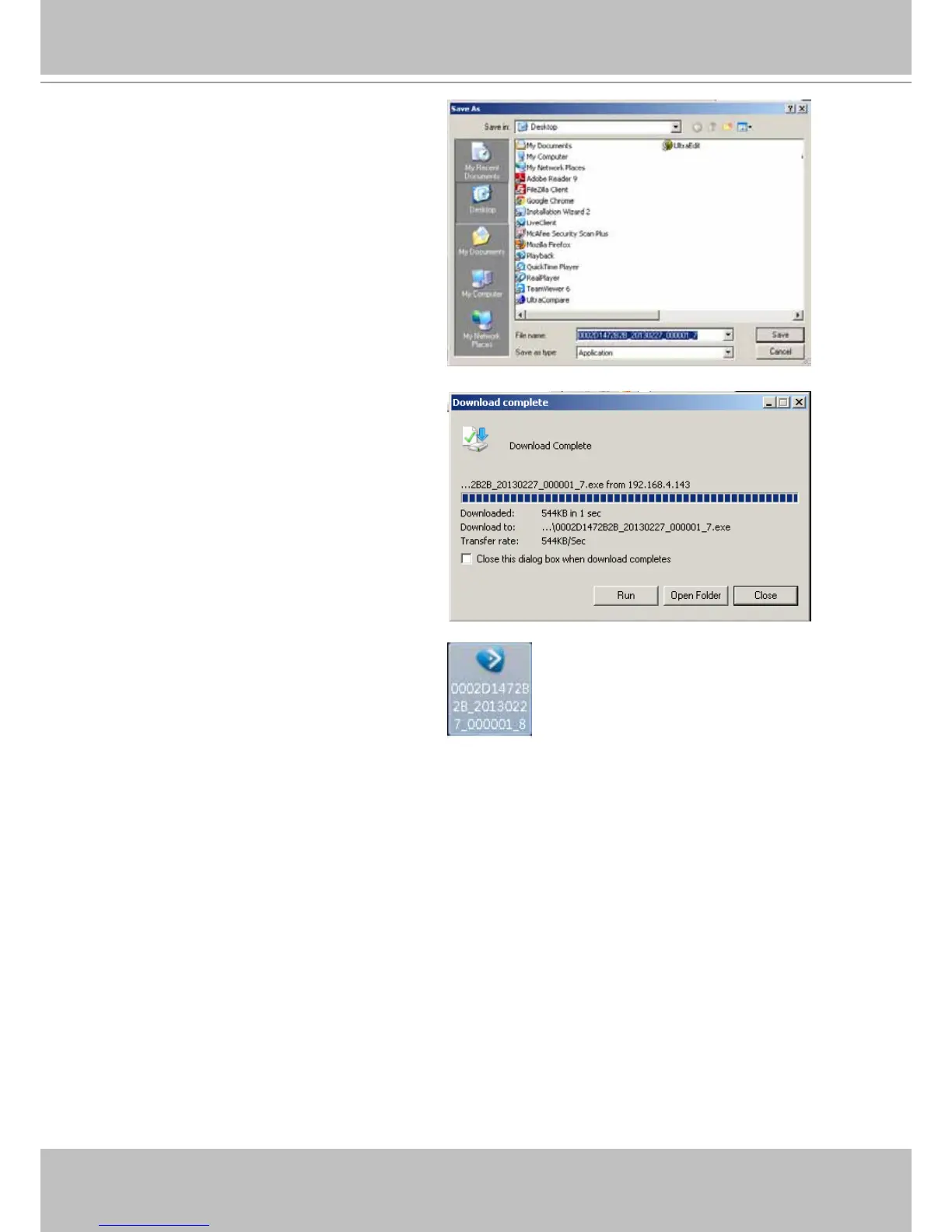
7. Select a location to store your le.
8. When the progress is done, click
Close.
9. A self-executable EXE le should look
like this.
If users select to export videos made of two different codecs (e.g., MPEG-4 and H.264), the
following message will display:
Stop converting media due to streaming data has been changed.
Users should then nd out the beginning of the time when video codec was changed in order
to export another part of the footage.



 To Next Page