VIVOTEK - Built with Reliability
User's Manual - 75
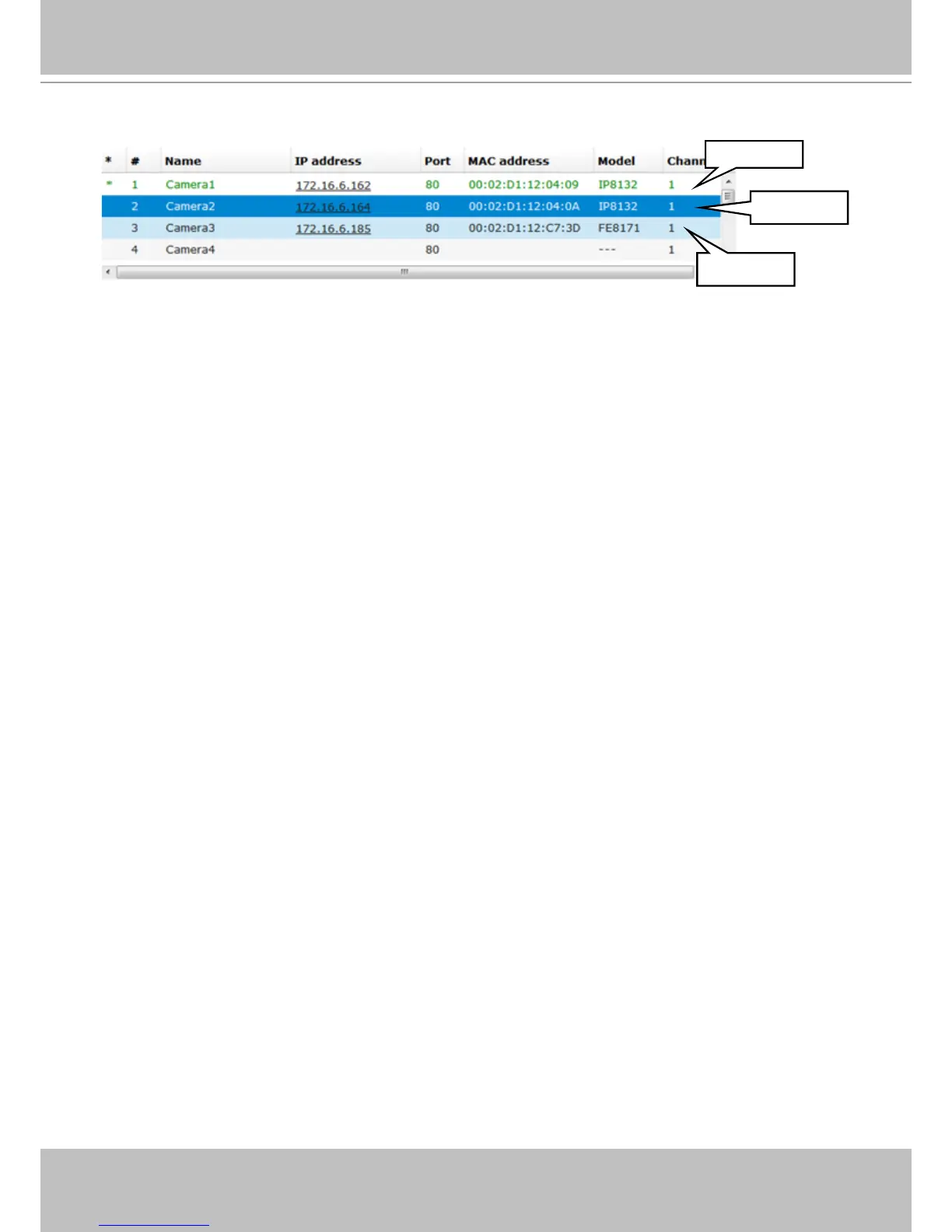
Move hover
Selected
Modified
(*) asterisk: An asterisk symbol indicates that a camera's settings have been modied.
(#) numbered: Camera index.
Name: Camera name.
IP address: A valid camera conguration enables the IP address as a hyper link. You can
click on the hyper link to open an IE web console with the camera.
MAC address: A unique MAC address as that printed on the camera's label.
Model: Camera model name.
Channel: This indicates the stream number. If connected via a video server, the channel
number indicates the channel through which an analogue camera is connected.
A recent snapshot from the camera will also appear at the bottom of the camera list window.
The legends used in the camera list are described below:



 To Next Page