VIVOTEK - Built with Reliability
User's Manual - 89
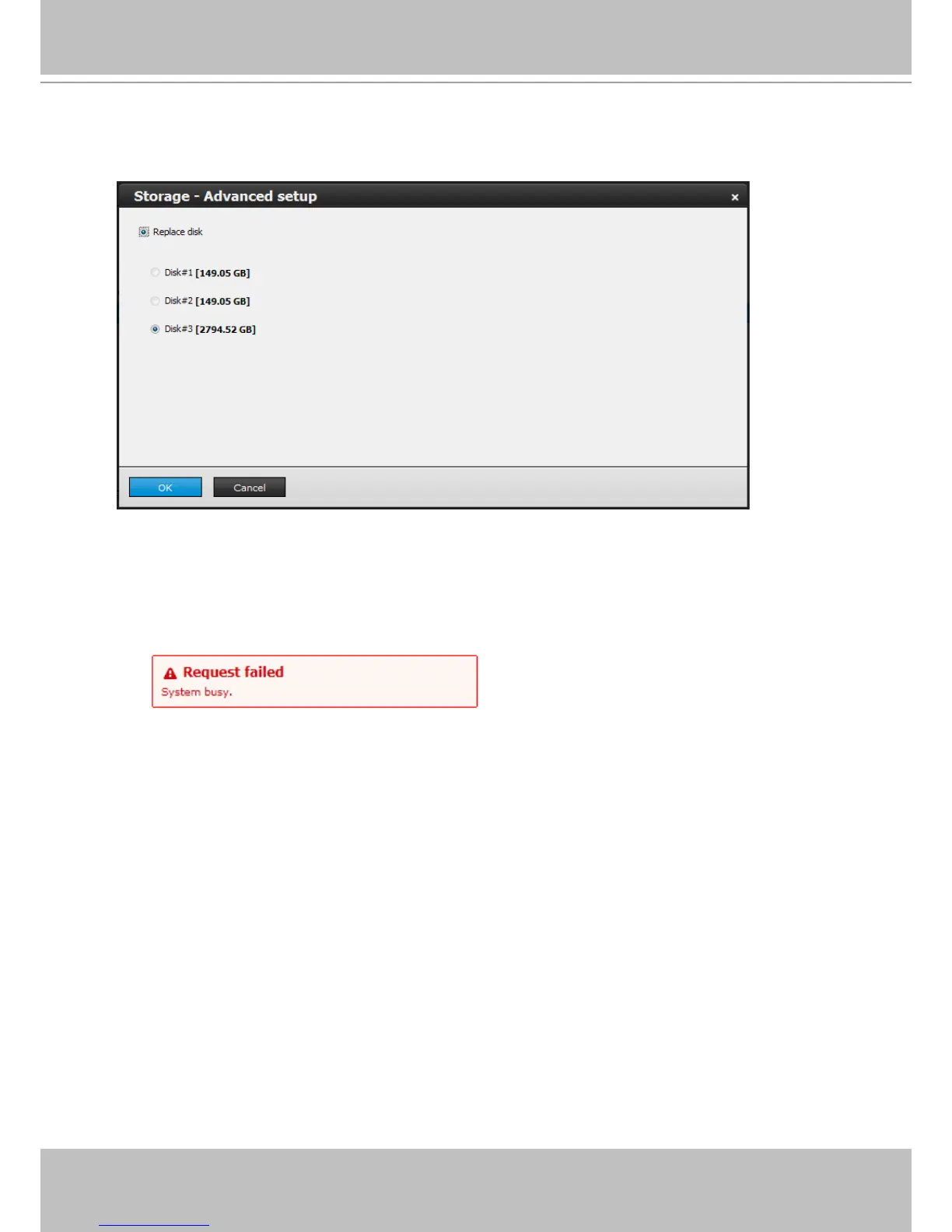
5. Once the replacement disk is installed, click on the Advance... button again. Select the
replacement drive. Click OK to proceed.
During the rebuild process, further conguration of the volume will become unavailable. The
recording tasks will continue during the process. The following message will be shown if you
want to congure the volume during a rebuild.



 To Next Page